

Shipped from abroad _ Delivery in 7 days
A4 UV DTF Printer XP600 impresora UV Flatbed Printer UV DTF Sticker Printing Machine For Acrylic Bottle Mug TPU
A4 UV DTF Printer XP600 impresora UV Flatbed Printer UV DTF Sticker Printing Machine For Acrylic Bottle Mug TPU
Couldn't load pickup availability
SPECIFICATIONS
Brand Name: OLOEY
OLOEY Model: XP600
Interface Type: USB
Double-sided Printing: No
Type: Inkjet Printer
Paper Feed Mode: Automatic and manual
Print Speed: 20ppm
Supports Network Printing: Wired
Hign-concerned Chemical: none
Max Paper Size: A4
Origin: Mainland China
Max. Resolution: 1200*1200dpi
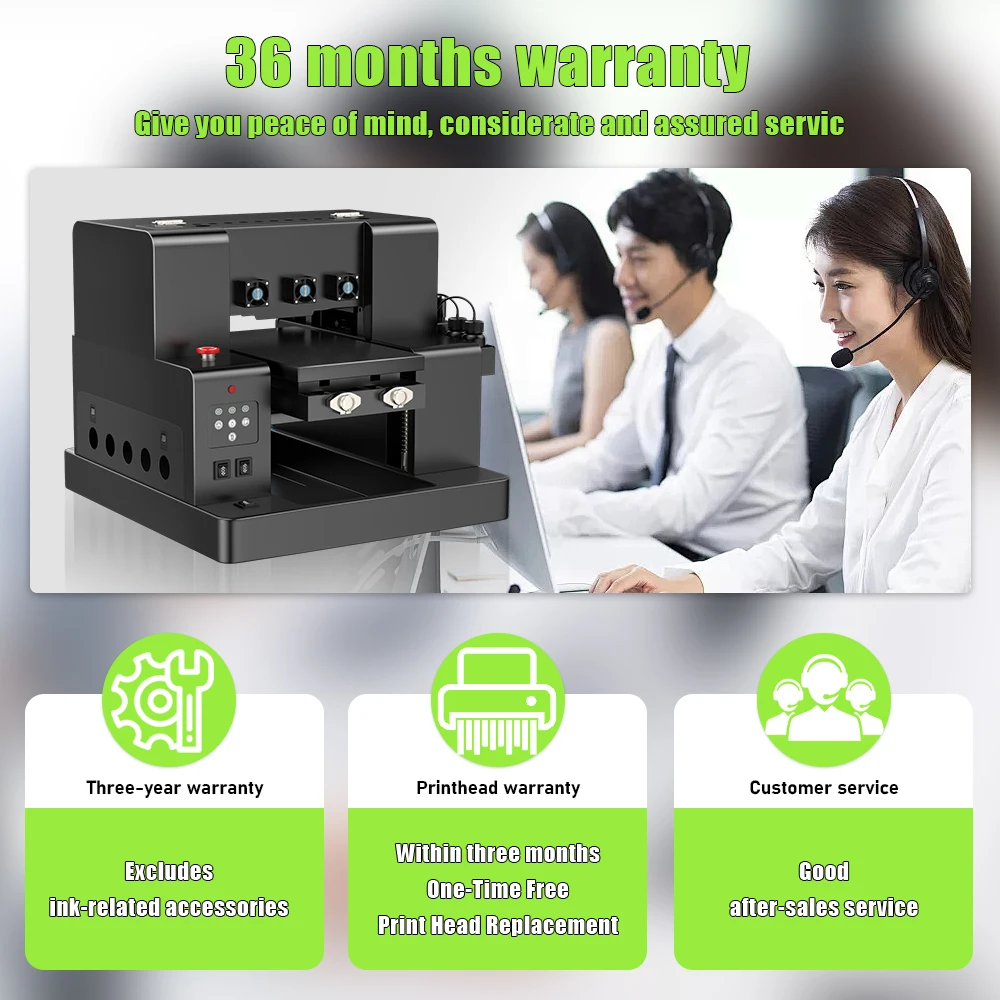
After-sale Service: Shop's Three Guarantees
Voltage: 100-240V
Application: For Commercial
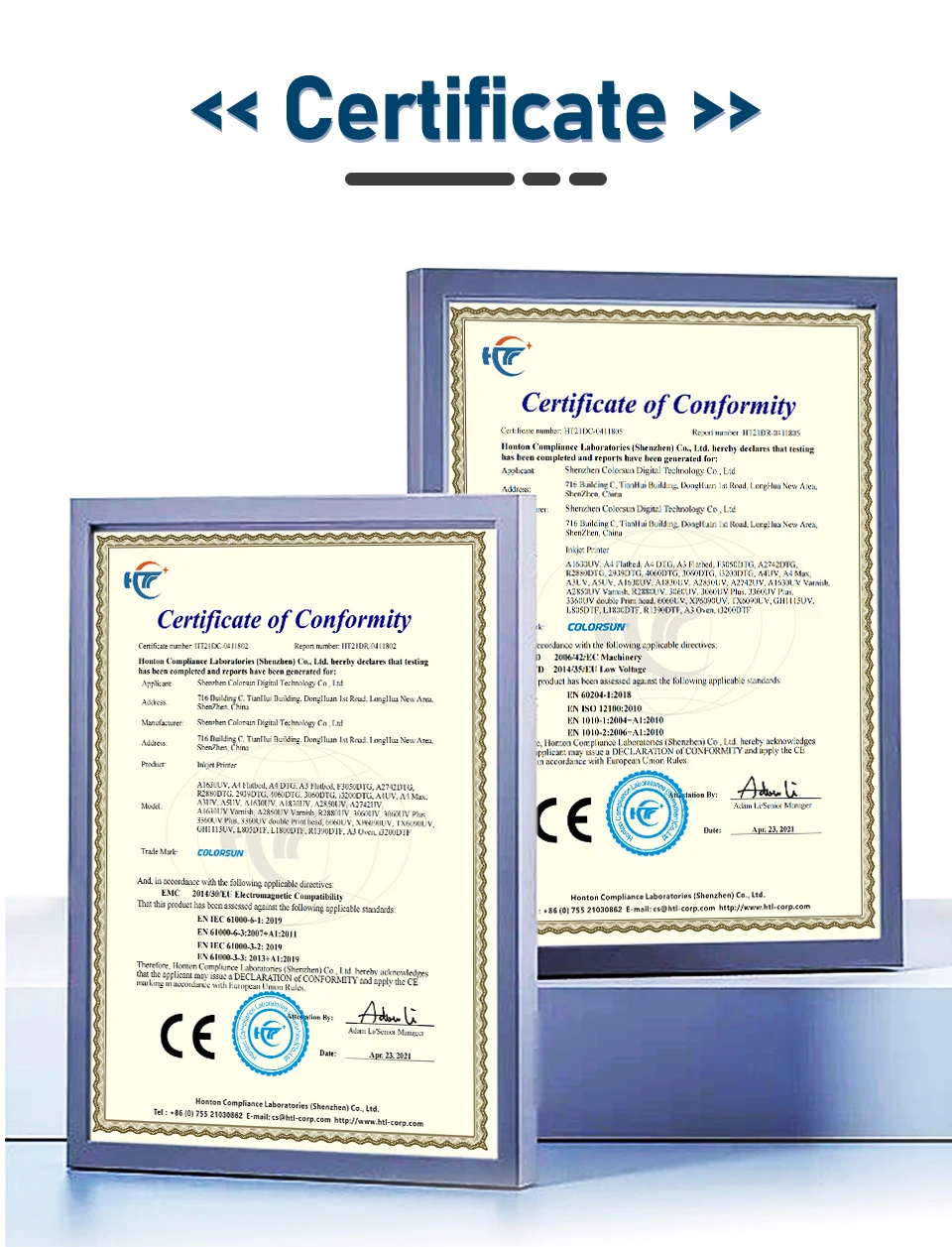
Certification: CE
Certification: RoHS
Use: UV Printer
Model: XP600 UV DTF
Print software: RIP11
Print Interface: USB2.0
Method of Ink supply: CISS
Configuration: CMYK+W W
Software Setting Precision: 1440*1440dpi
Print Head: for EPSON XP600
Power: 90W
Ink consumptiont: 1sq.m/20ml
ink drops: 1.5Microliter
Computer operating system: win7-11
Max Printing Size: 290*300mm
Printing height: 150mm
Net weight: 43KG
Print Speed: A4 size 6-8 minutes
Function1: White ink Stirring
Function2: VACUUMING PLATEFORM
Function3: For UV DTF Sticker
A4 UV DTF Printer XP600 impresora UV Flatbed Printer UV DTF Sticker Printing Machine For Acrylic Bottle Mug TPU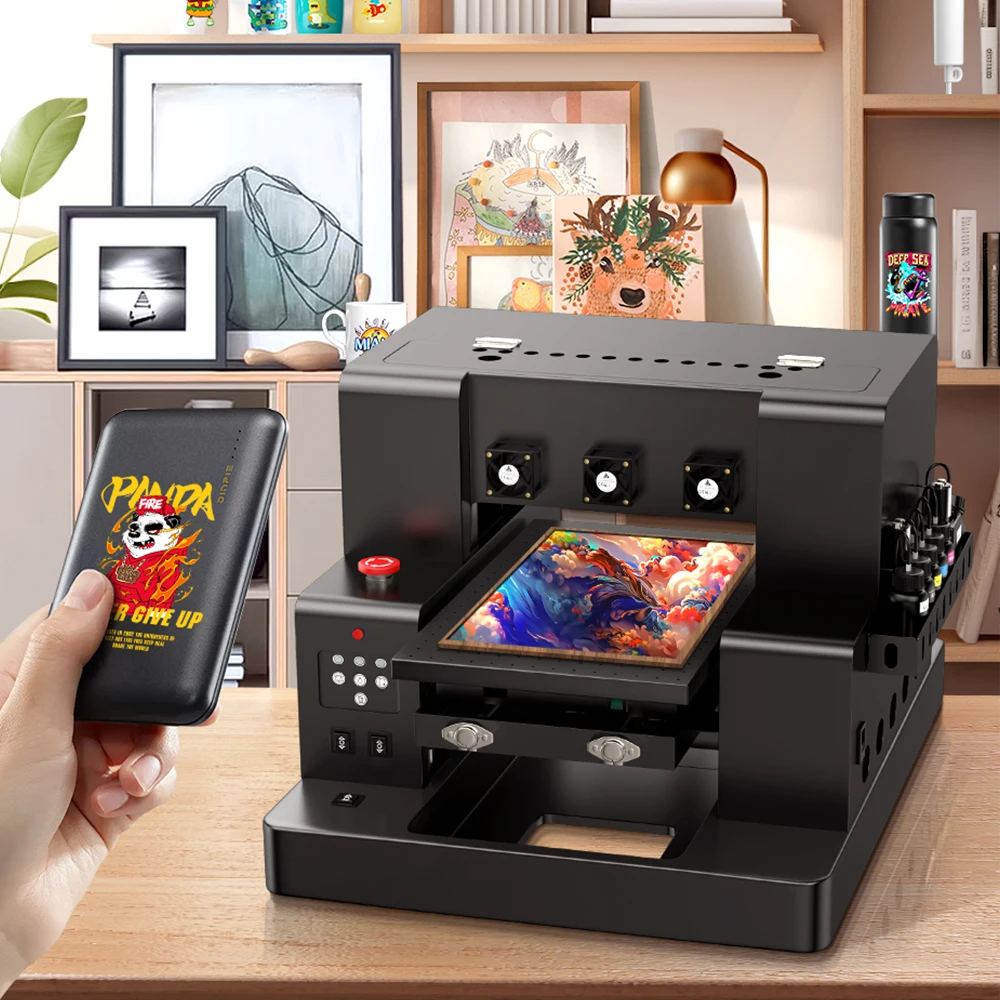
A4 XP600 UV DTF Printer Feature:
1.Printhead:For Epson XP600 *1.
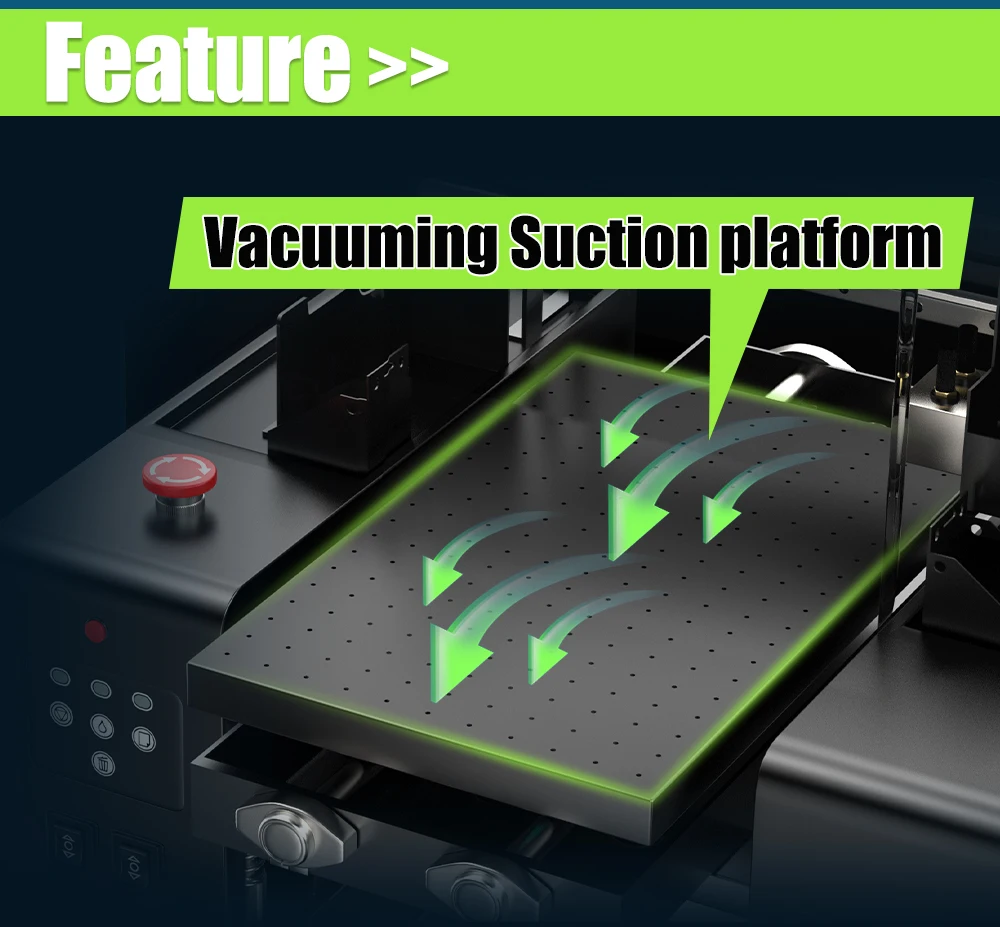
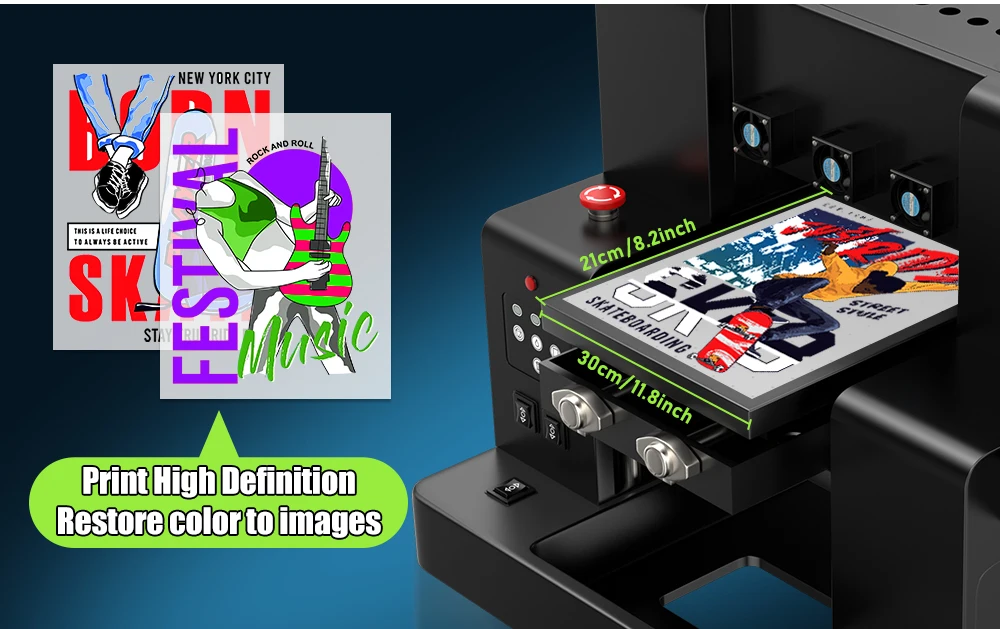
2.Printing platform:29*30CM(11.4*11.82'') Printing area,with Vacuuming Suction platform.
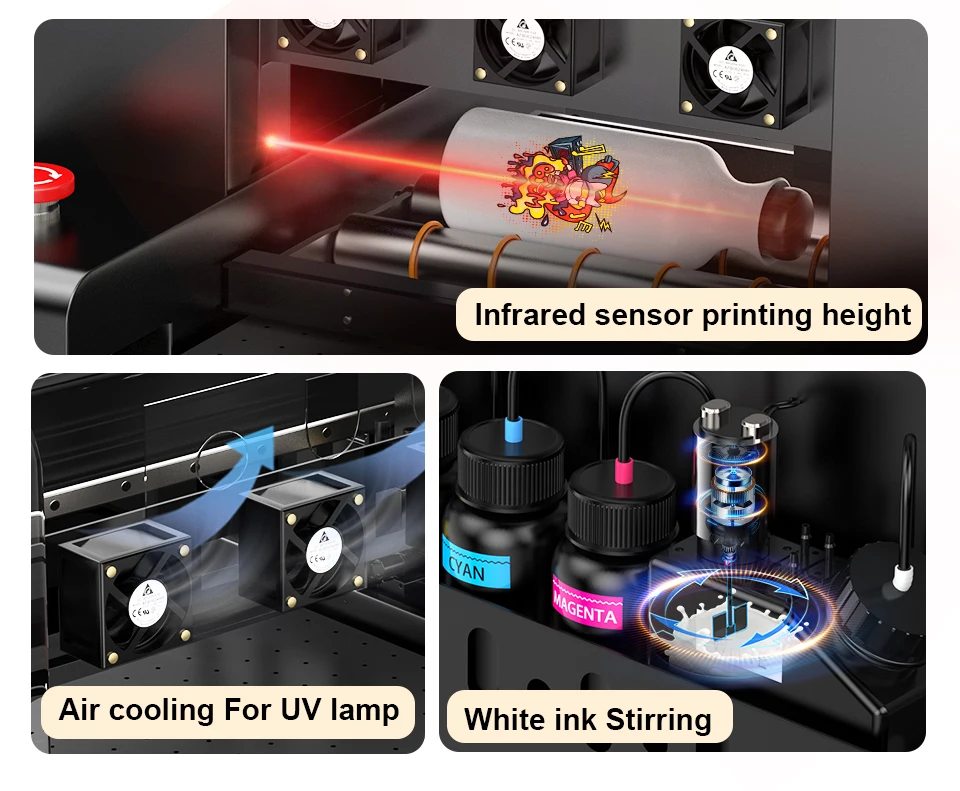
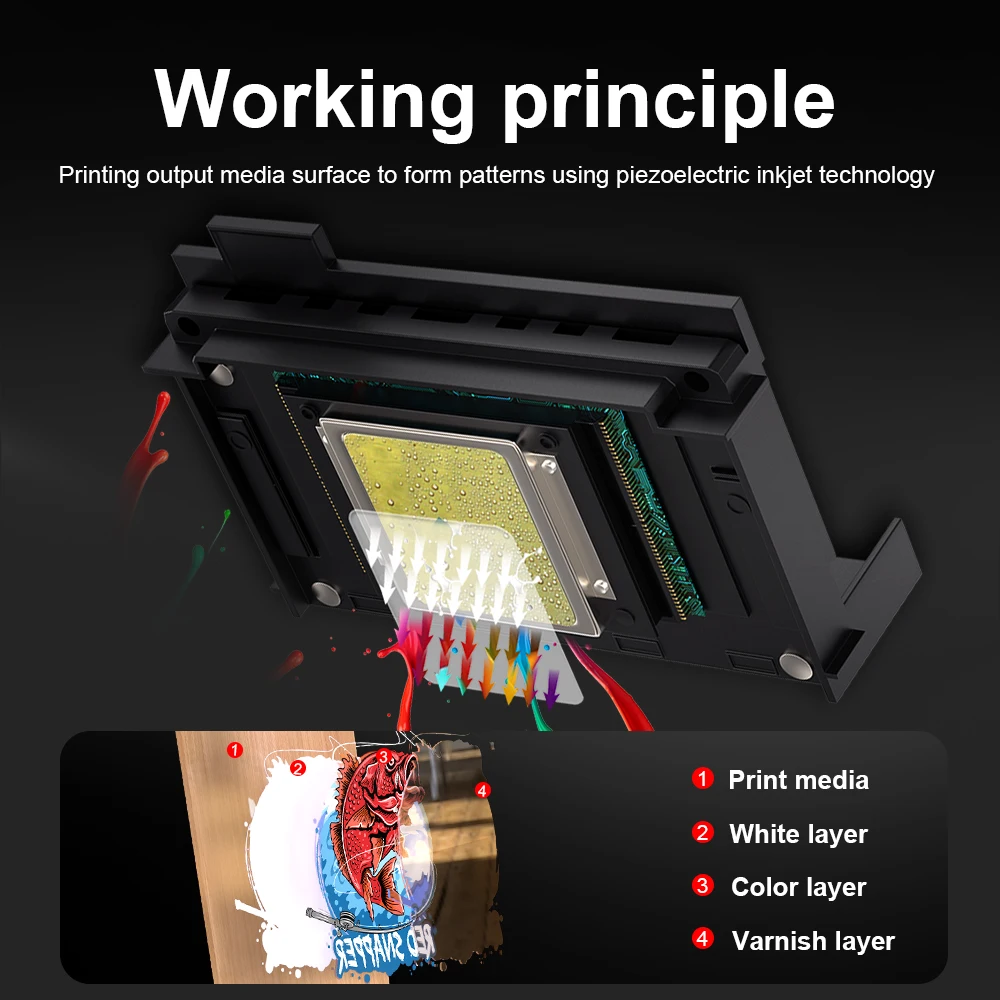
3.Ink system:With CISS Ink Supply System,with CMYKW+V Ink Configuration,White Ink Stirring System.
4.Printing Sensor:Infrared sensor,Auto adjust the printing height.
5.Cooling System:Air cooling to stablize and continueous printing.
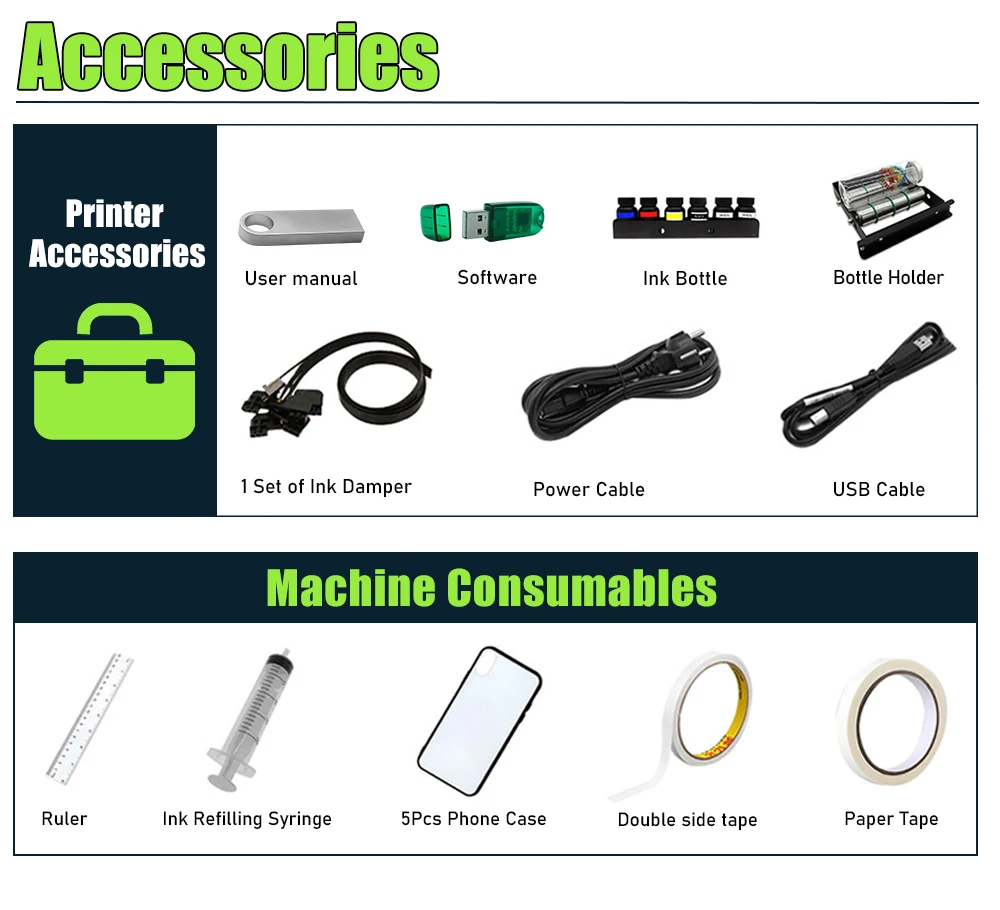
6.Cylinder holder:each kit we will give free Cylinder bottle holder for free 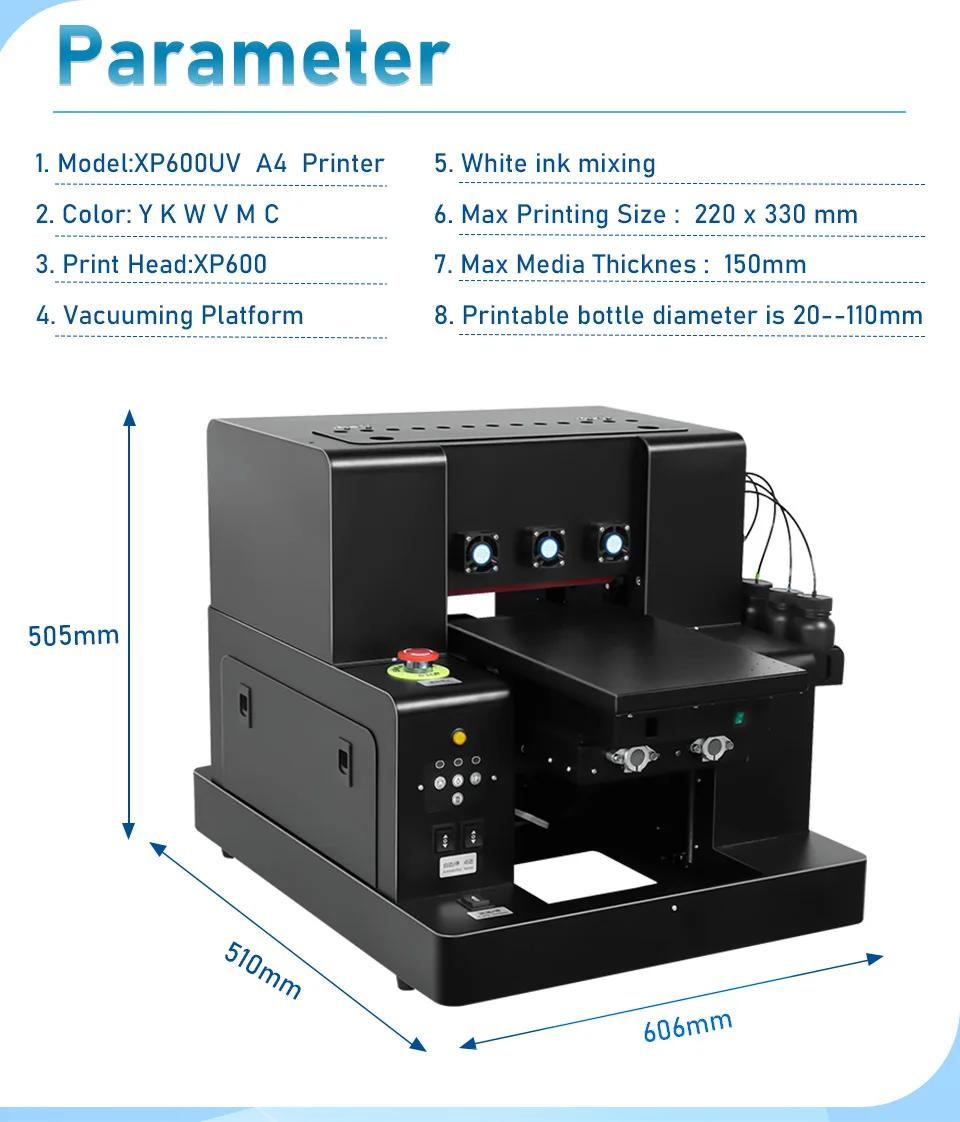
 Printing process:
UV DTF Printing Process:
1.Upload the Image on the software
2.Put a UV DTF A film on the tray and turn on the vacuum platform
3.Setting from software and click printing
4.Laminating the UV DTF A film to UV DTF B film
5.Cutting and transfer to the object
UV Printing Process:
1.Upload the Image on the software
2.Measure the printing position of the printing Object
3.Put the printing Object on the printing tray
4.Setting on software and click printing
5.Waiting for the printing finished 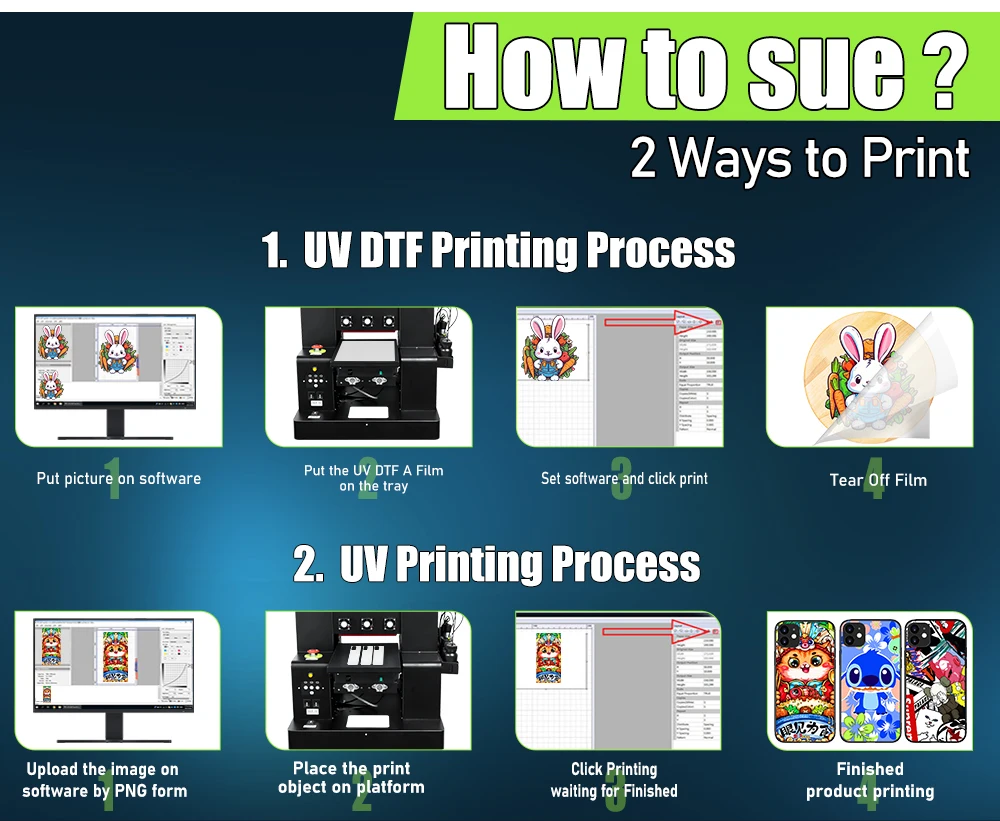 What is in the Box?
1.A4 XP600 UV DTF Printer *1
2.Bottle Holder *1
3.Printing Software *1
Package 2:
1.A4 XP600 UV DTF Printer *1
2.Bottle Holder *1
3.Printing Software *1
4.UV DTF A Film A4 50PCS
5.UV DTF B Film 30CM*50M *1
Package 3:
1.A4 XP600 UV DTF Printer *1
2.Bottle Holder *1
3.Printing Software *1
4.UV DTF A Film A4 50PCS
5.UV DTF B Film 30CM*50M*1
6.5*500ML UV Ink(CYMKW)+500ML Varnish ink
Package 4:
1.A4 XP600 UV DTF Printer *1
2.Bottle Holder *1
3.Printing Software *1
4.Laminating Machine *1
5.UV DTF A Film A4 50PCS
6.UV DTF B Film 30CM*50M*1
7.5*500ML UV Ink(CYMKW)+500ML Varnish ink