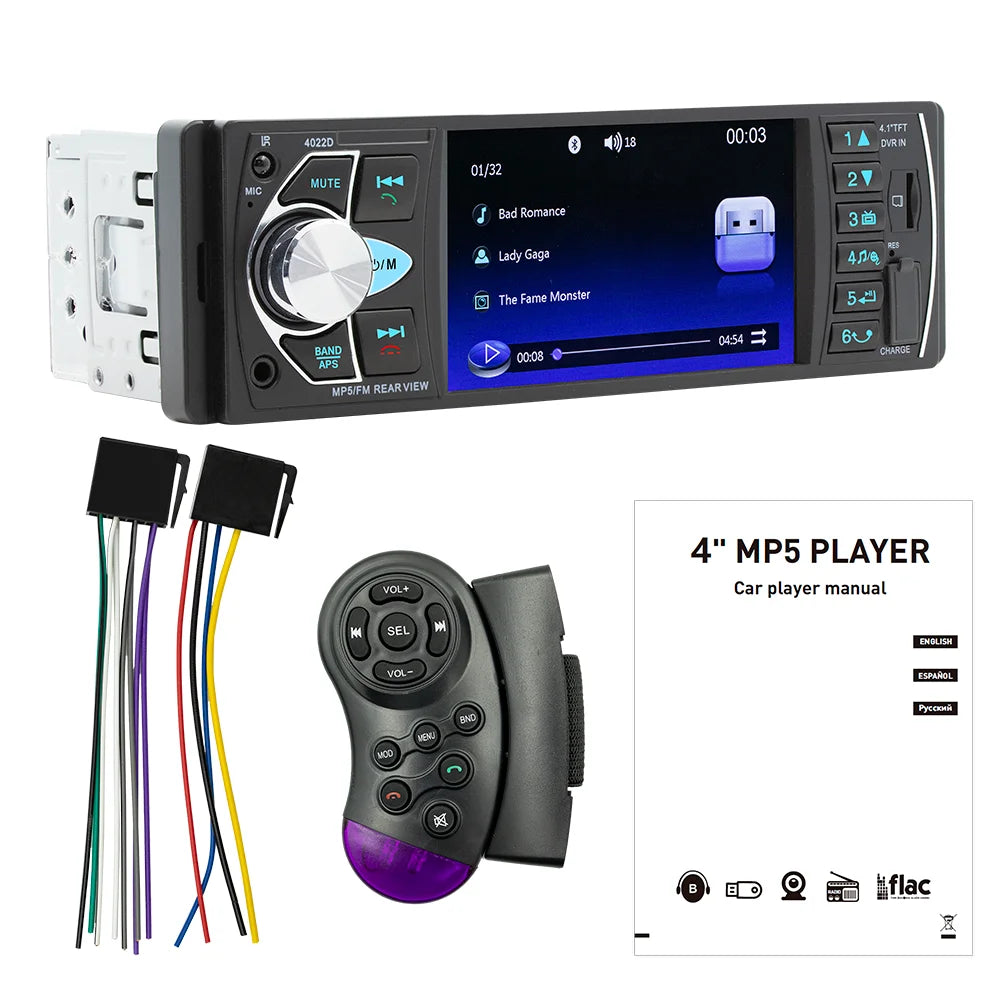


Shipped from abroad _ Delivery in 7 days
BQCC1 Din 4Inch Car Radio HD Screen Bluetooth Music Handsfree MP5 Player TF USB Charging Remote Audio System ISO Head Unit 4022D
BQCC1 Din 4Inch Car Radio HD Screen Bluetooth Music Handsfree MP5 Player TF USB Charging Remote Audio System ISO Head Unit 4022D
Couldn't load pickup availability
SPECIFICATIONS
Brand Name: BQCC
Hign-concerned Chemical: None
Origin: Mainland China
Din: One Din
Display Size: 4"
For Vehicle Brands/Model: universal
Interface: ISO 16P
OSD Language: german
OSD Language: Russian
OSD Language: FRENCH
OSD Language: Portuguese
OSD Language: Spanish
OSD Language: English
Max External Memory: 64G
Digital Media Format: Mp3
Digital Media Format: MP4
Digital Media Format: WMA
Digital Media Format: JPEG
Is touch screen: no
TF/Micro SD Slot: 1
Tuner Type: FM
Special Features: Mobile Phone
Special Features: MP3 players
Special Features: Reversing Input
Built-in Screen: YES
Operating System: Linux
Voltage: 12V
Choice: yes
Welcome to my store! Have a good shopping time!
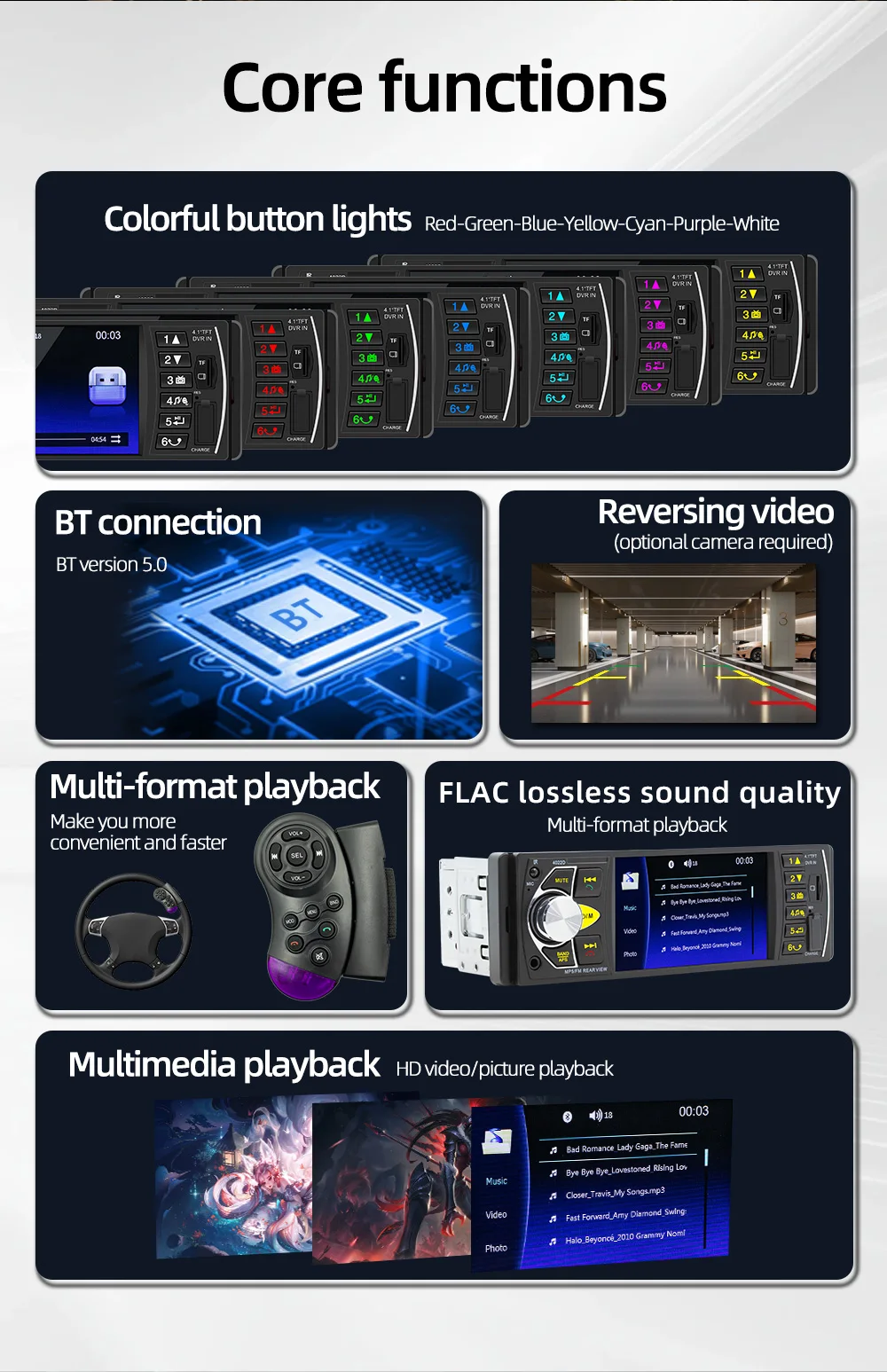
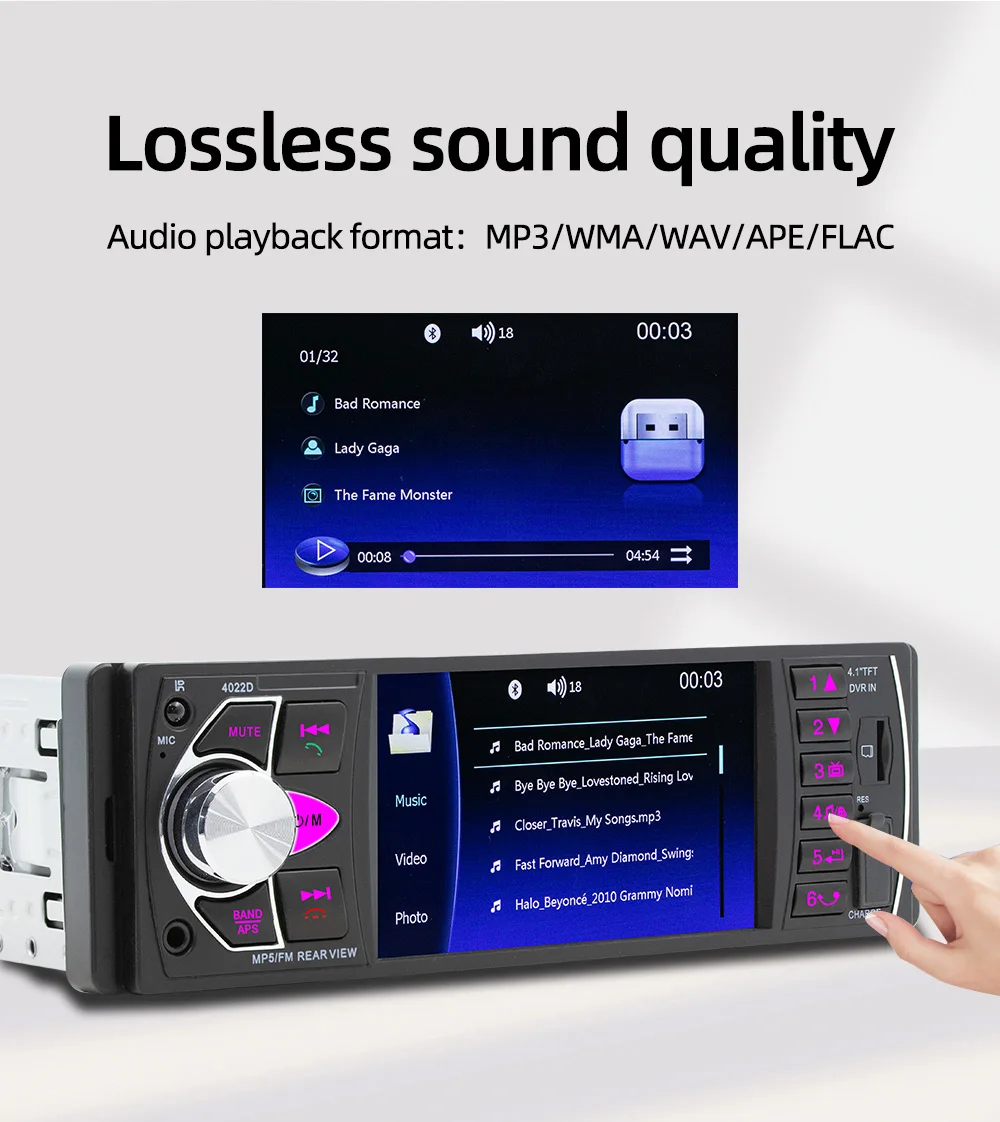
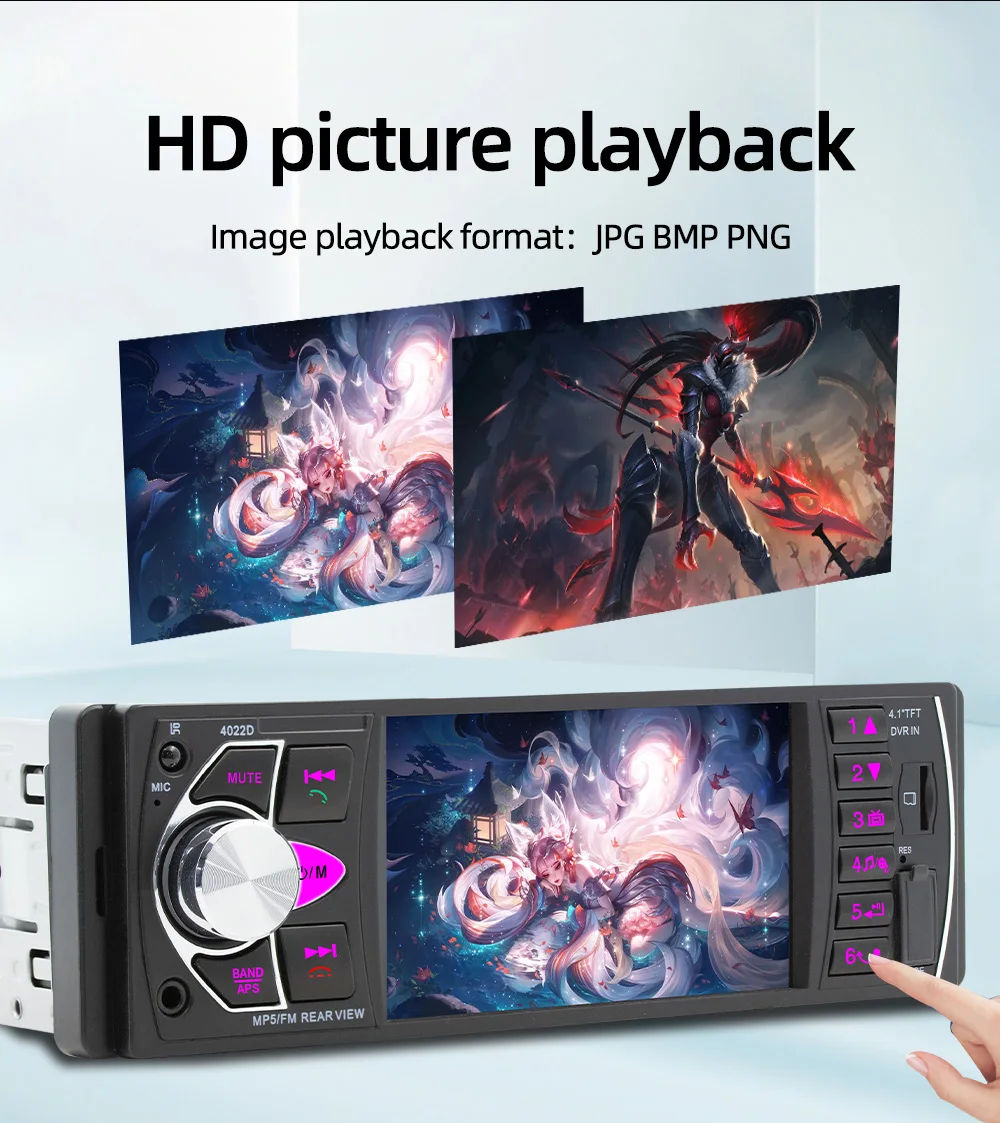
2. Read U disk and SD card (audio/video/picture)
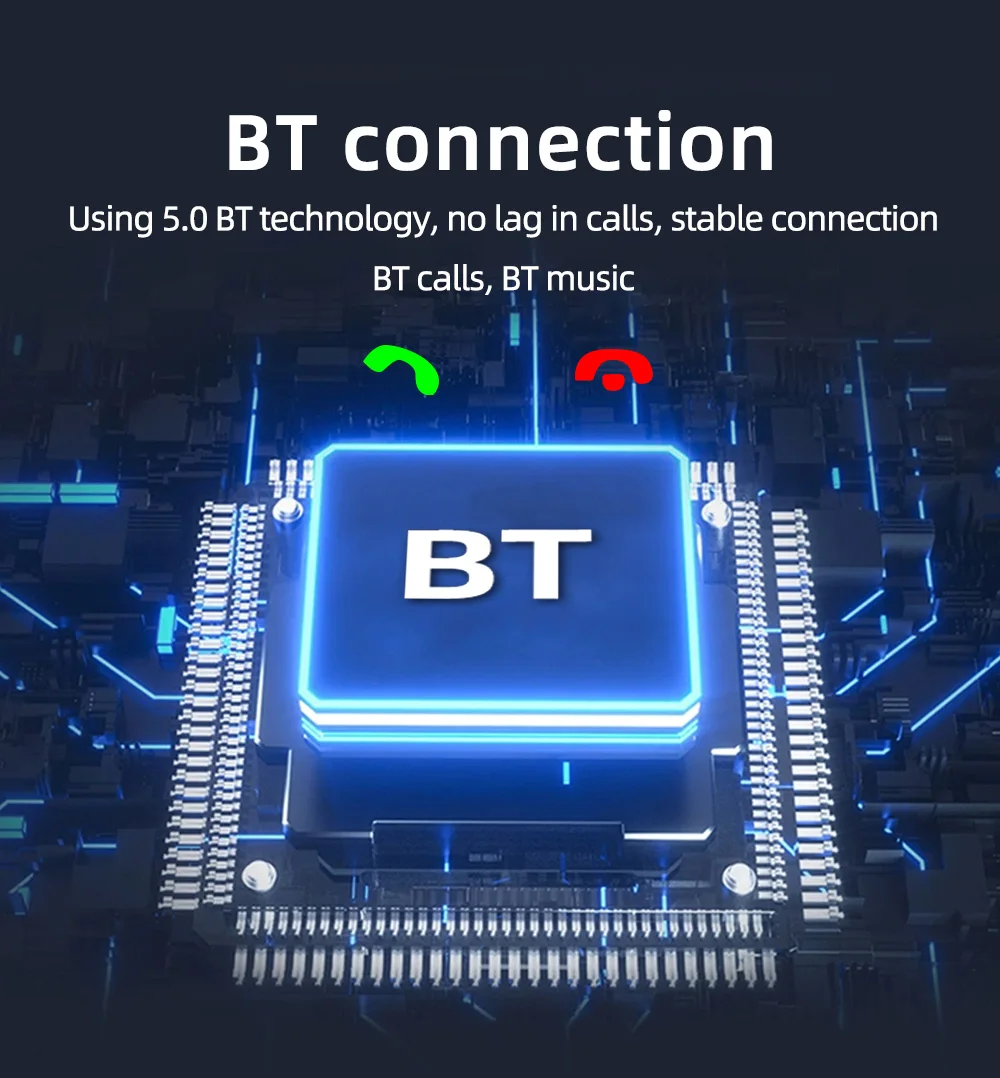
3.Bluetooth function
4. RCA audio output can be connected to a subwoofer
5. Rear view function (camera optional)
6. Video input and output functions
7.Colorful lights
8.USB charging interface
9. Protection function for reverse connection of positive and negative poles of the power supply (wrong connection of the positive and negative poles of the power cord will not cause burning of the circuit board)









Q: Do not turn
on, the screen does working well?
A: Please
check whether the power cable of the machine is connected incorrectly or
incorrectly. The normal wiring method is as follows: the yellow wire (B+) is
connected to the 12V cable that is always active, and the red wire (ACC) is
connected to the key cable of the original car. The method of judging the key
cable is as follows: the key cable is 12V when the car is started and 0V when
it is closed; Black connected with the negative pole; Check for blown fuses at
electrical outlets in cars and machines.
Q: No sound
from the horn?
A: Please
check whether the horn wire of the machine is connected correctly. Please
connect the horn of the original car strictly in accordance with the interface
definition of the manual or the body label. Otherwise, the power amplifier chip
of the machine may be damaged.
Q: Can't
remember the last radio station and music you set?
A: Please
check whether the red and yellow wires are reversed. Make sure that the yellow
wire (B+) is always connected to the original car cable with 12V voltage, and
the red wire (ACC) is connected to the original car key cable. The key cable is
12V when the car is started and 0V when it is closed.
Q: Can't read
or play SD, USB music and videos?
A: Please use
8G or 16G storage card or USB flash drive. Some large-capacity storage devices
may not support it. Format the storage device to ensure that the storage
device's file system is the default value; Partially encoded video or music may
not be recognized by the machine, please use common format media files.
Q: The
Bluetooth connection fails, or some functions are abnormal after connection?
A: Please use
your mobile phone to search for Bluetooth of the machine, the name is "CAR
BT" or "CAR KIT"; Delete the devices that have been paired with
but are not connected to the phone. Some Bluetooth devices that have been
paired with each other may cause the phone's Bluetooth cannot be paired with
other devices or its function is abnormal.
A: The above
involves disassembly and circuit problems, please seek professional operation,
so as to avoid damage to your car.