

Shipped from abroad _ Delivery in 7 days
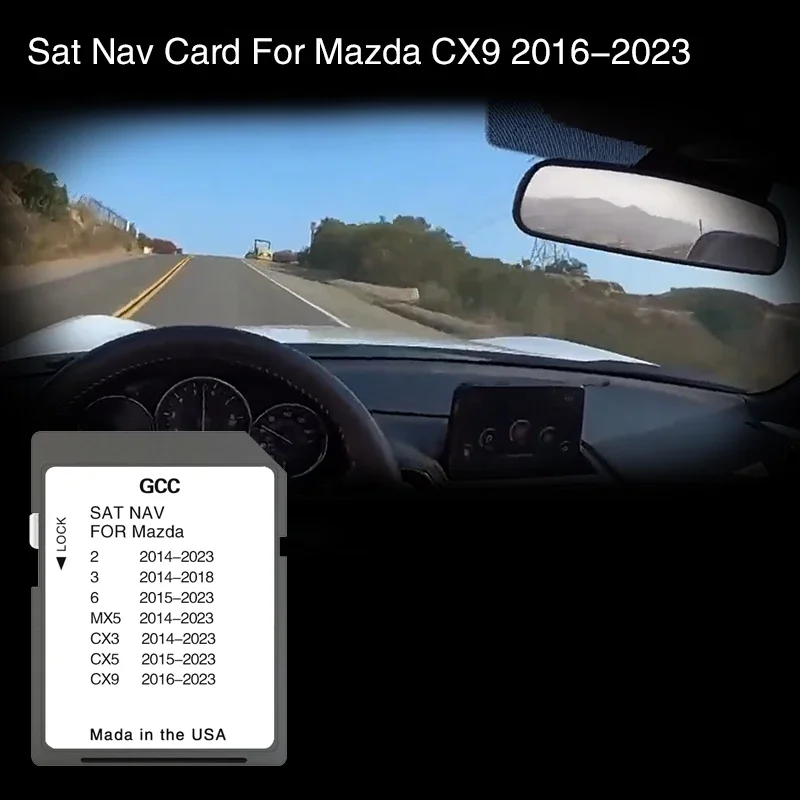
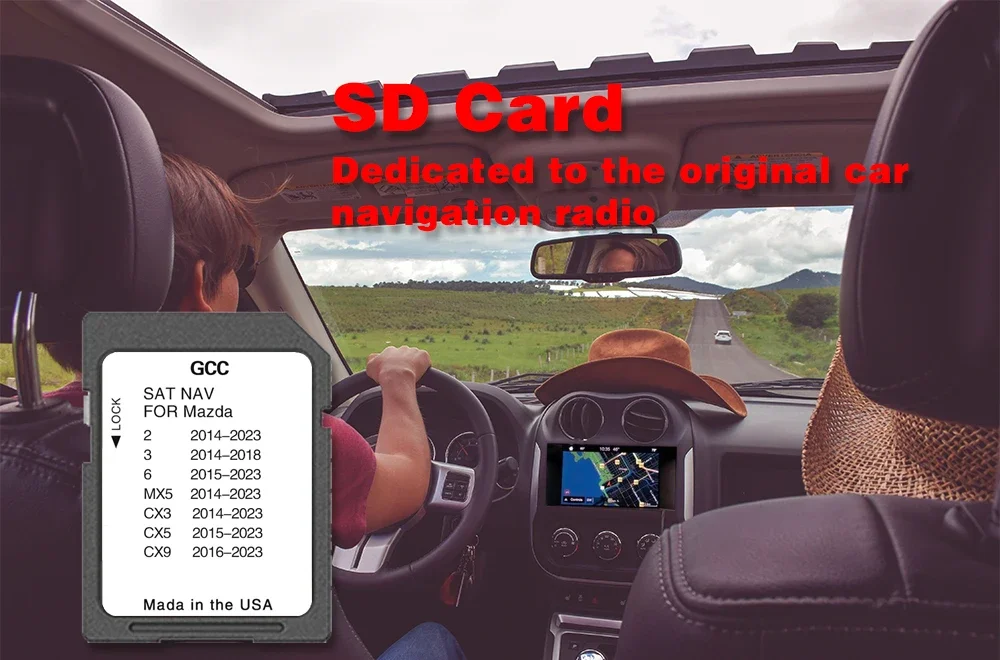
Compatible for Mazda CX9 from 2016 to 2023 GPS SD Card Map Navigation 8GB Cover GCC Middle East Oman Jordan
Compatible for Mazda CX9 from 2016 to 2023 GPS SD Card Map Navigation 8GB Cover GCC Middle East Oman Jordan
Couldn't load pickup availability
SPECIFICATIONS
Brand Name: NoEnName_Null
Hign-concerned Chemical: none
Origin: Mainland China
Model Name: for Mazda CX9 From 2016 to 2023
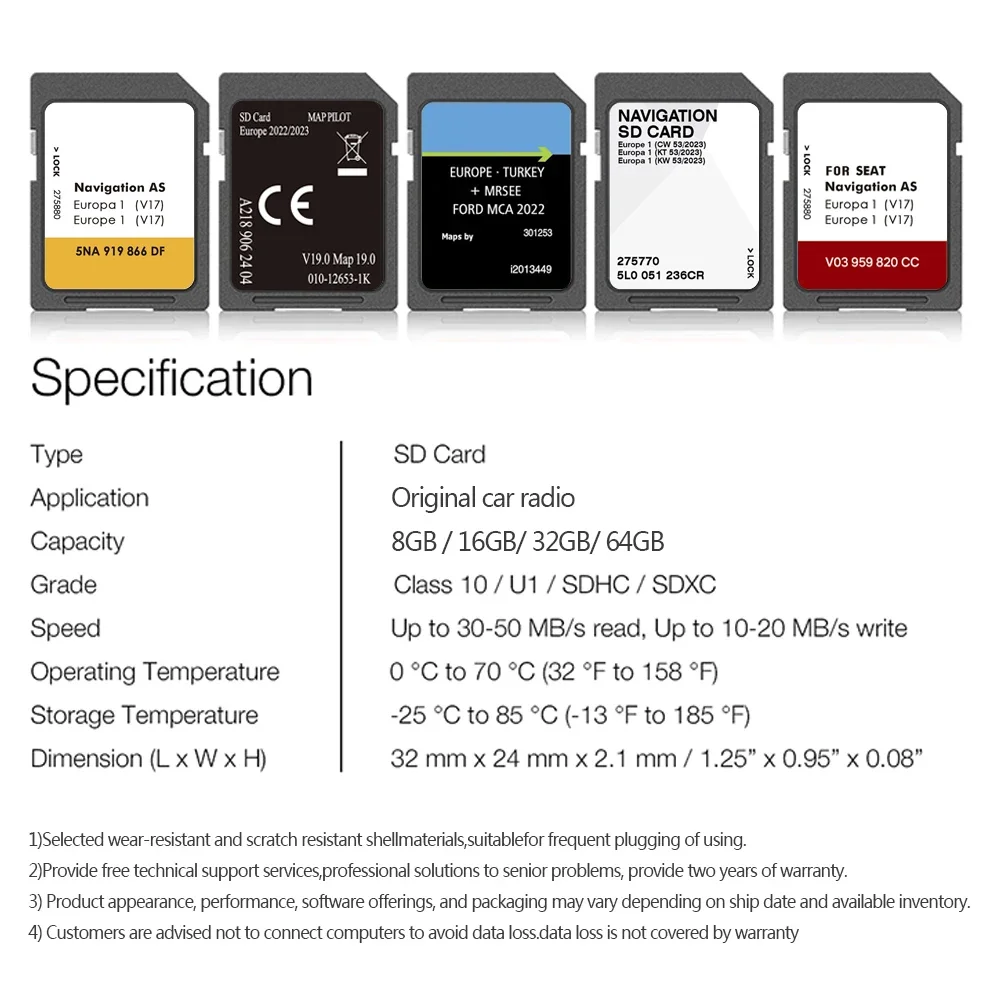
Memory Card Type: SD Card
Capacity: 8GB
Date of database used: 2023
Territorial coverage: General / GCC / Gulf Area / Middle East
Size: 24x32x2.1mm (0.94x1.25x0.08inches)
Package Weight: 20g
Packing: Packed by a small polybag
Shipping method: AliExpress Standard Shipping / DHL / EMS
Apply To: GPS Car Navigation System
Operation Voltage: 2.7V-3.6V
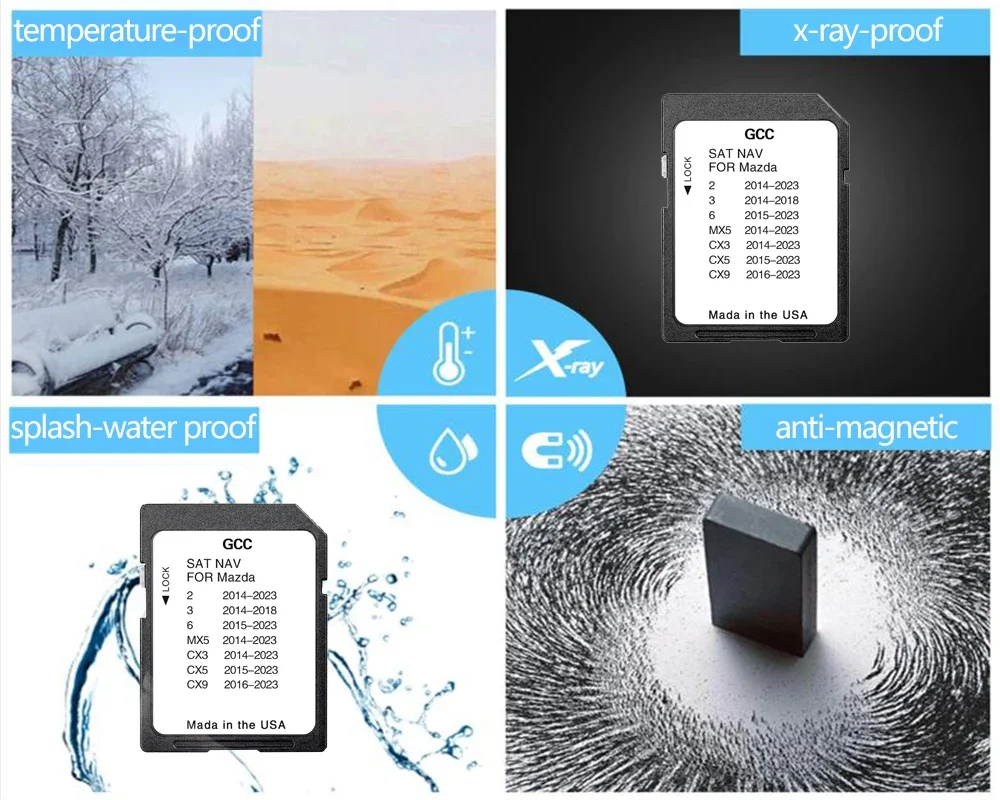
Storage Temperature: 40℉ to 185℉ (-40℃ to 85℃)
Operation Temperature: 13℉ to 185℉ (-25℃ to 85℃)
Durability: 10000 Mating Cycles
Read/Write Speed: Class 10
Application 1: Car Original Multimedia
Application 2: File Storage
Function: Plug and Play
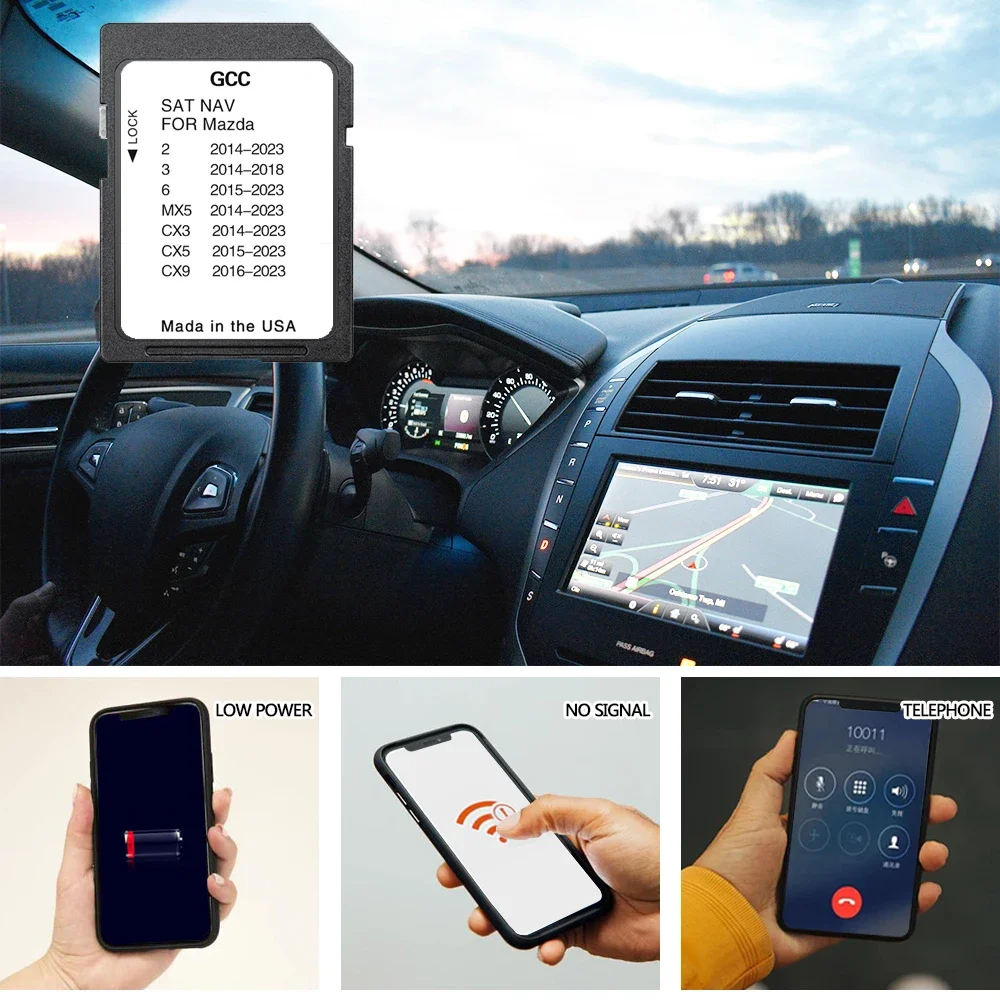
Dynamic navigating according to current: Based on data from the Traffic Message navigation takes into account
(1).Dear buyer, please carefully read whether your model is compatible with the model we provide before you order.
(2).If you ignore this information and make an error,we will not bear the freight sent back.
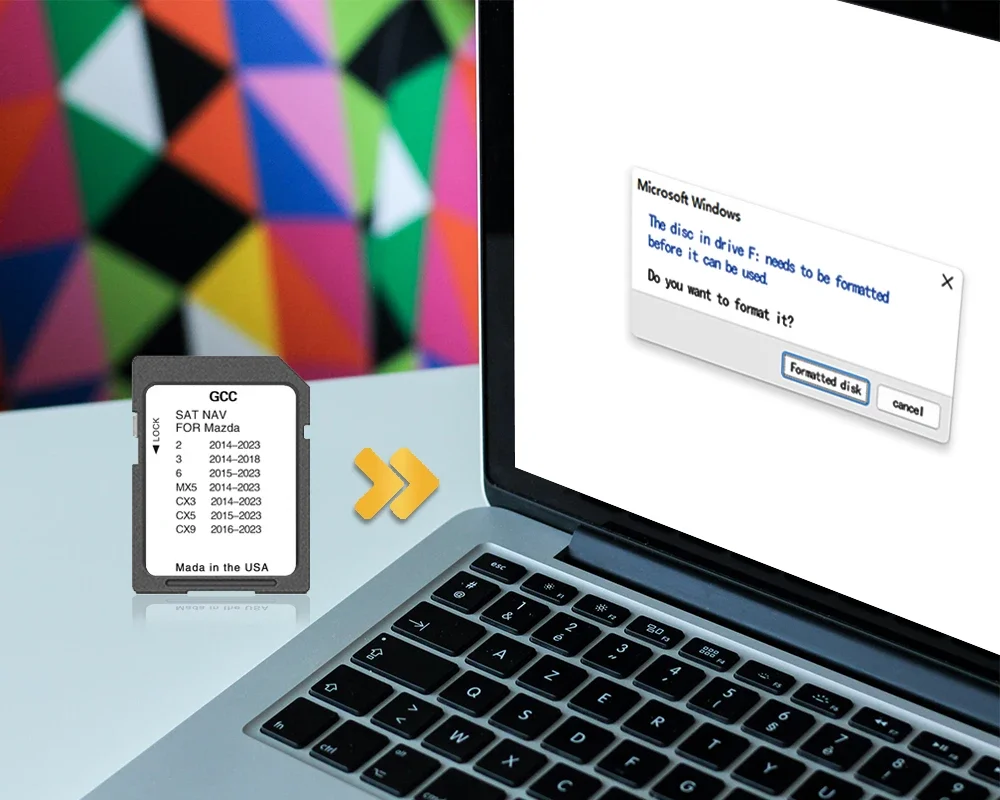
(3).Note: the SD card can be used only in one car, once it is installed to the navigation system for the first time, it will be locked with cars VIN. Navigation system SD cards cannot be used/switched from one vehicle to another. Item is unused & guaranteed to work.
(4).This convenient system integrates with your cars display screen to offer advanced lane guidance and a 3D interactive map. Bringing you maps, directions and more - all displayed on your cars touch screen.
Compatibility:
Please check compatibility BEFORE purchase:
(Cars with Mazda Connect 1 system Navigation)
[works only with 7.5-8.5 inches display with Mazda Connect System / main menu on photo above]
[works only with 7.5-8.5 inches display with Mazda Connect System / main menu on photo above]
Countries included:
How To Install:
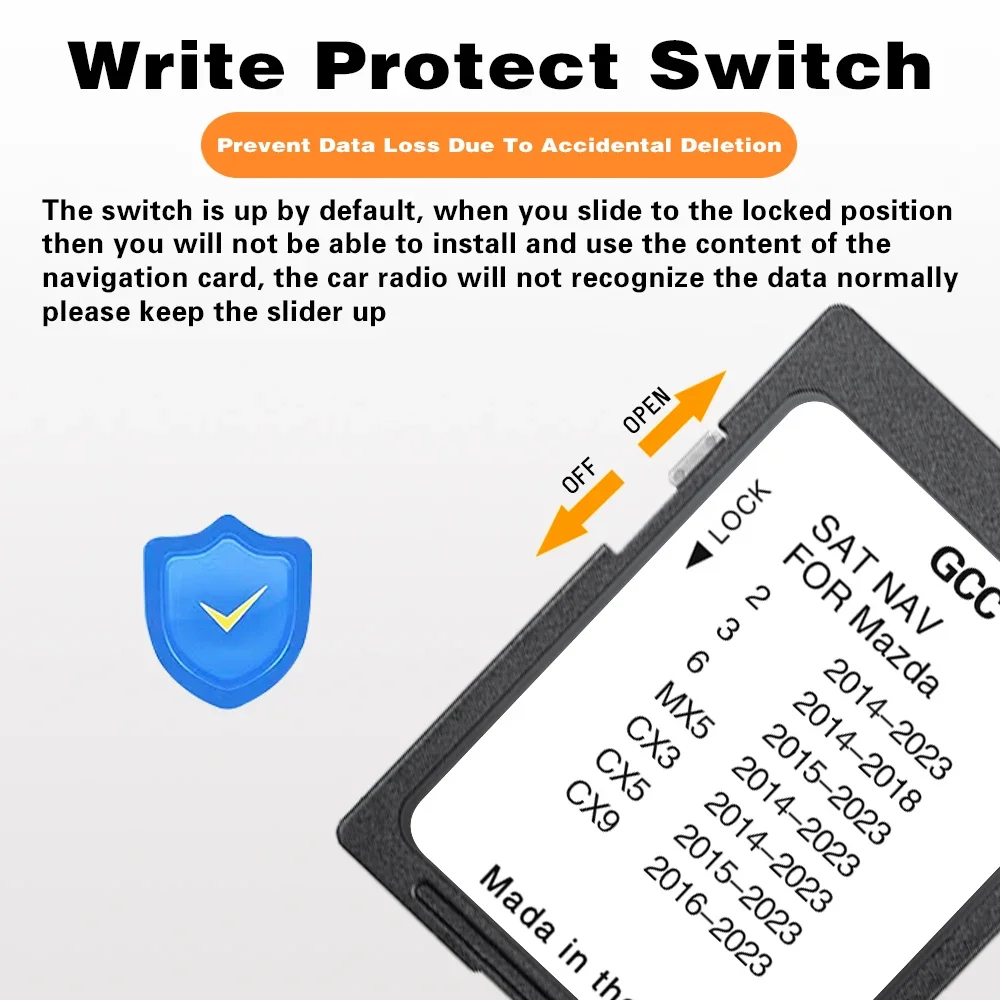
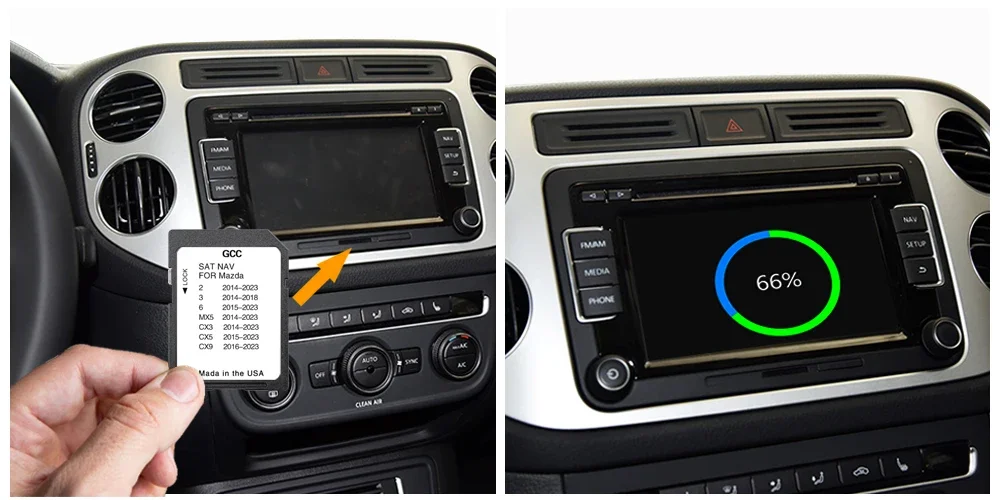
(1).When the vehicle is powered off, insert card.
(2).Turn your ignition on and click the Navi button.
(3).After entering the navigation menu, you wil be prompted to lock the SD card to your vehicle. Click "Yes".
(4).You are good to go!