

NairoMarket
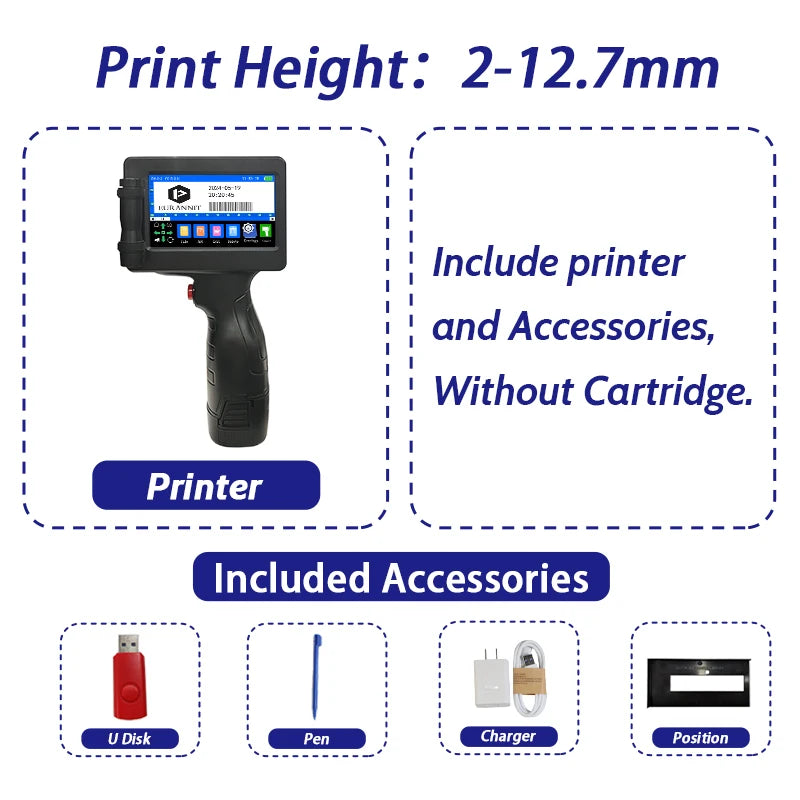
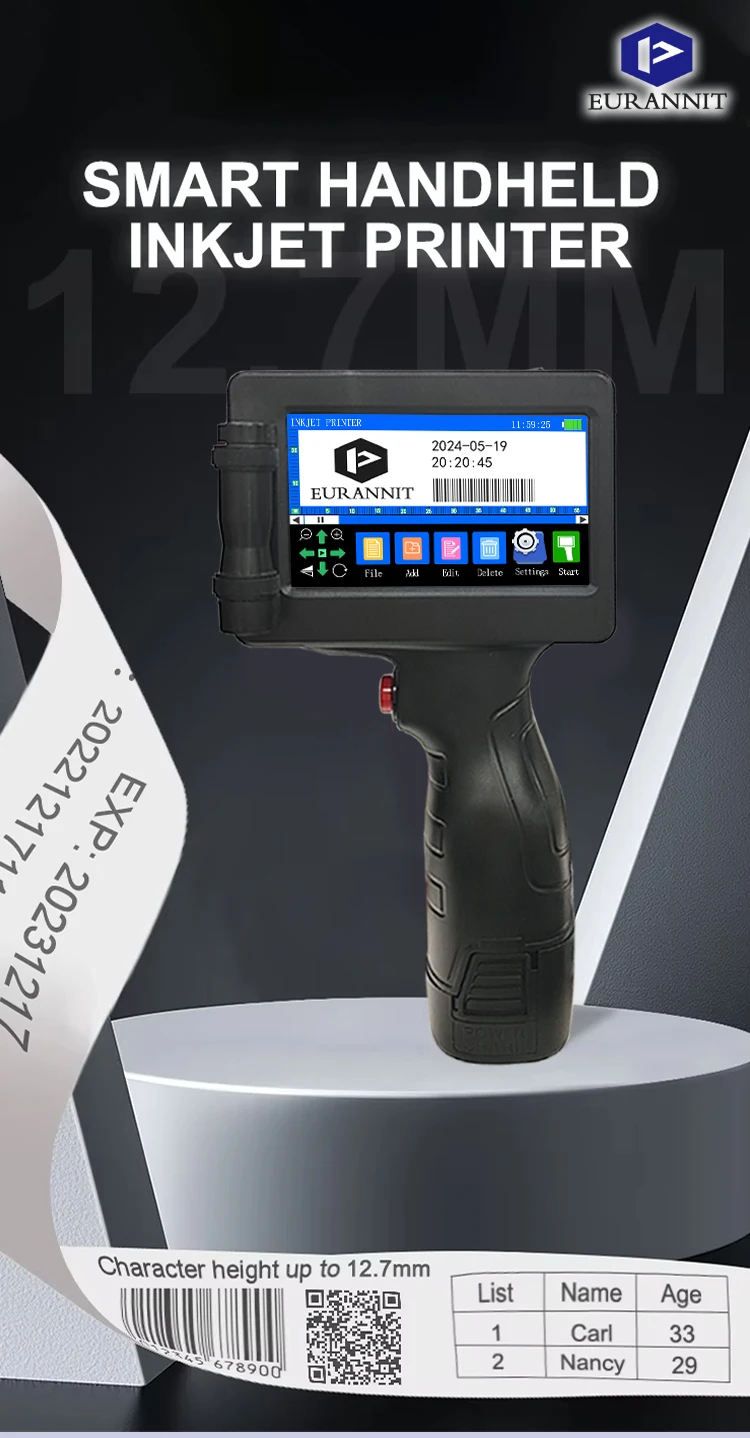
EURANNIT E17 12.7mm Portable Handheld Inkjet Printer Text QR Barcode Batch Number Logo Image Expire Date TIJ Printing Machine
EURANNIT E17 12.7mm Portable Handheld Inkjet Printer Text QR Barcode Batch Number Logo Image Expire Date TIJ Printing Machine
Couldn't load pickup availability
SPECIFICATIONS
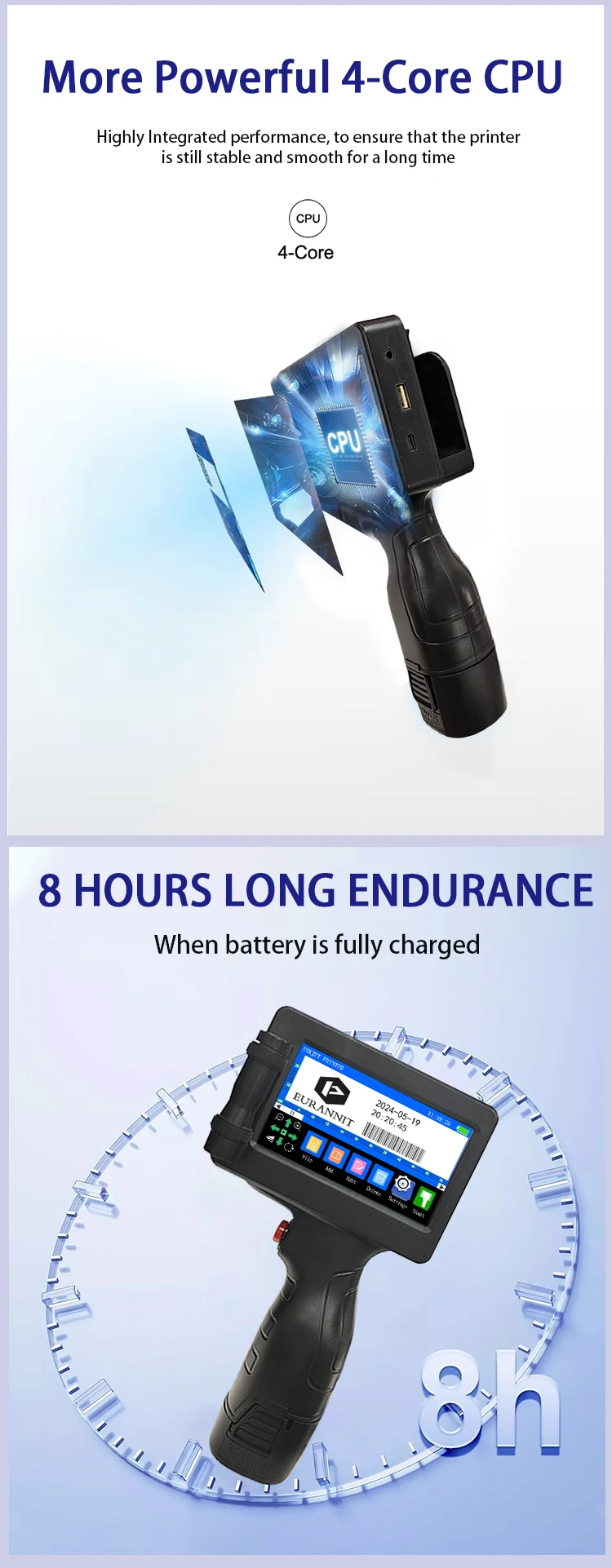
Battery: 2200mAh DC8.4V
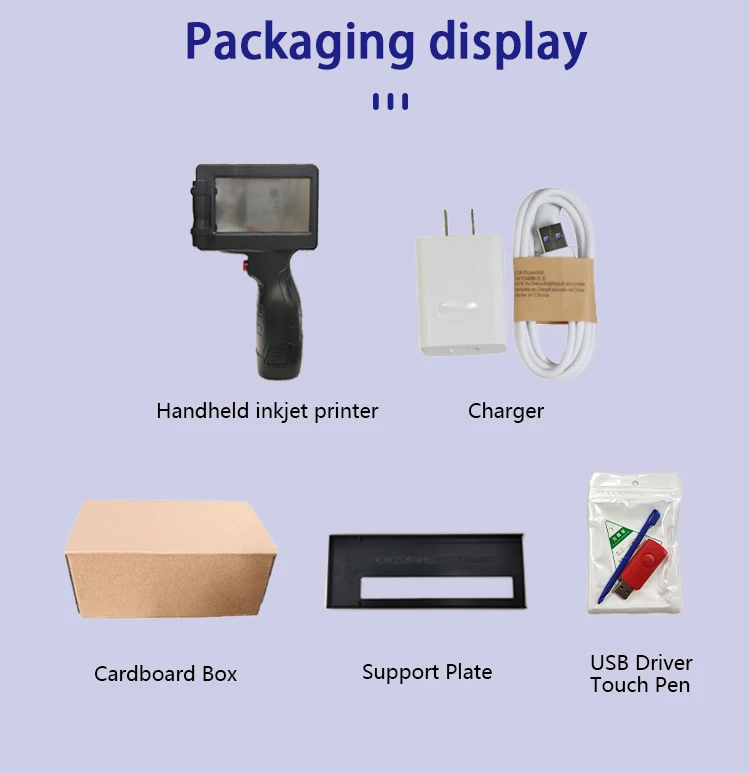
Battery Included: Yes
Brand: EURANNIT
Brand Name: EURANNIT
CPU: Quad core 1.4GHz
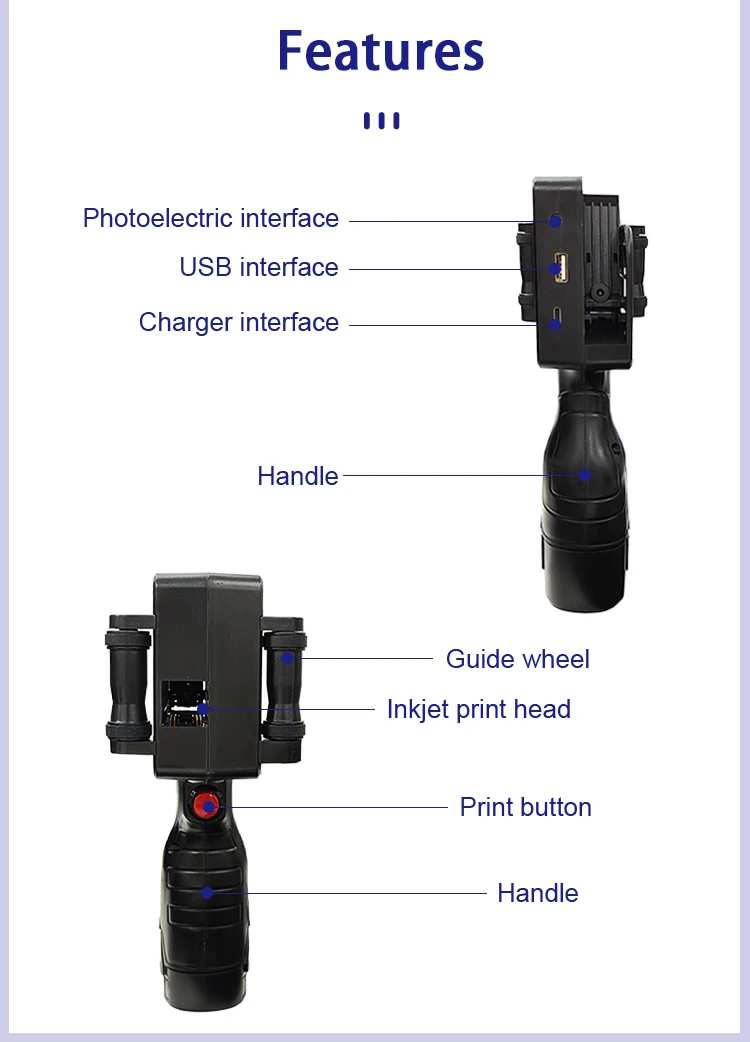
Charging interface: USB,Photocell
Double-sided Printing: Yes
Feature: Removable battery
High-concerned chemical: None
Ink Color: Optional
Ink type: Quick-drying ink
Ink volume: 42ml
Interface Type: USB
Main selling point: handheld/online dual-use
Max Paper Size: A4
Max. Resolution: 600*600dpi
Model: E17
Name: Handheld Inkjet printer
Operation System: Linux
Operational Environment: Temperature 0-45°℃(The best:20-30°℃)Humidity 40%-60%Rh
Origin: Mainland China
Paper Feed Mode: Auto
Print Speed: 40ppm
Print head: Thermal inkjet 2.5
Print height: 12.7mm
Print speed: 40ppm
Printing Direction: 360 degrees of arbitrary adjustment to meet various production needs
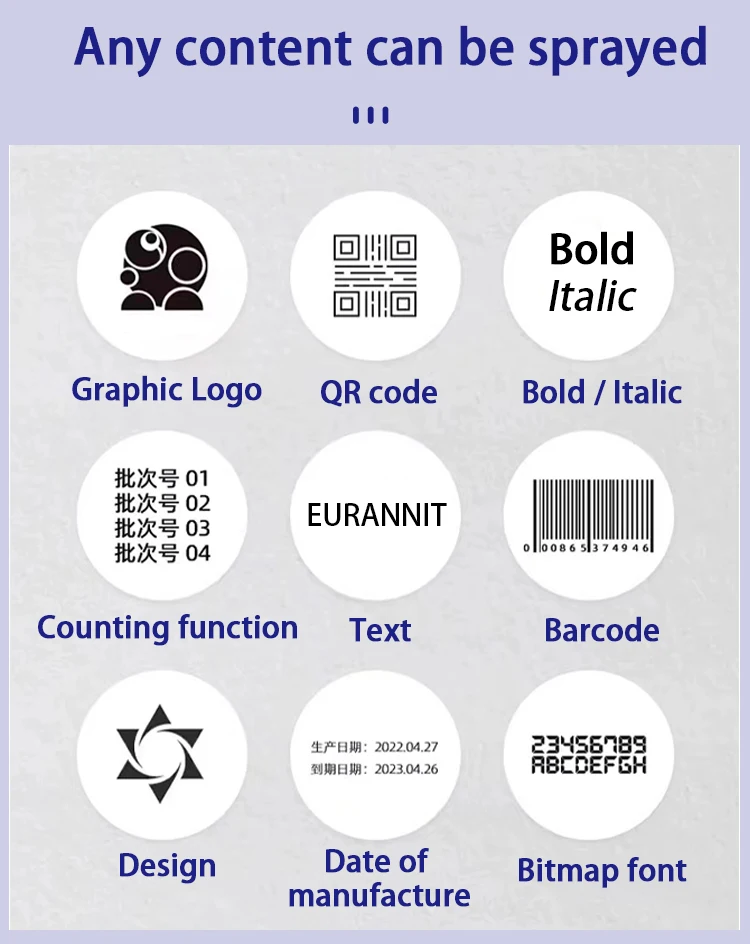
Printing content: Chinese,English,text,time,date,logo, numbers,symbols,dynamic bar code,
Printing distance: 2-5mm
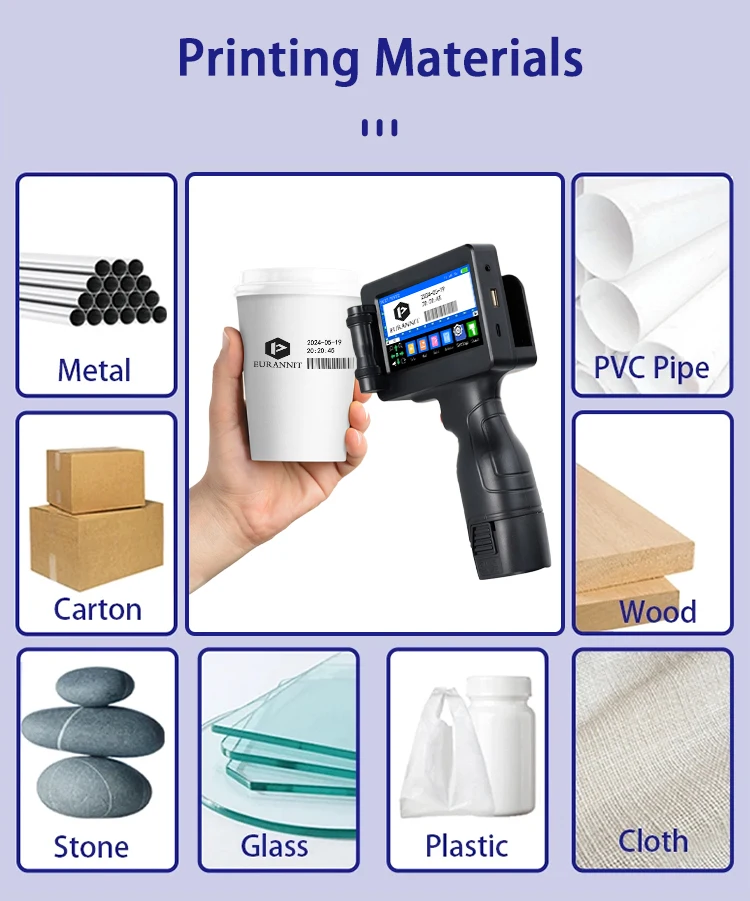
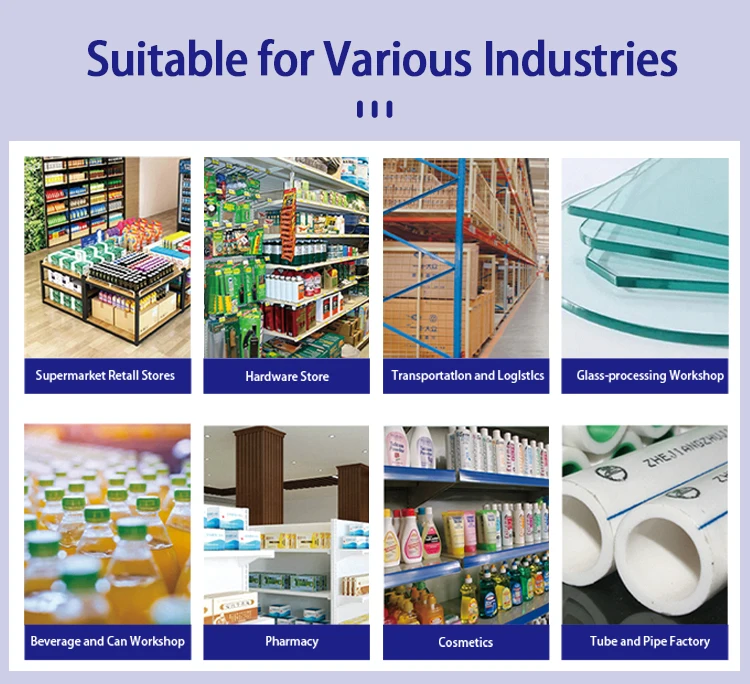
Printing material: Boards,carton,stone,pipe,cable,metal,plastic,electronics,automotive pa
Printing resolution: 600dpi Maximum
Signal Connection Type: None
Supports Network Printing: No
System Language: 28 Languages
Type: Inkjet Printer
Use: Inkjet Printer
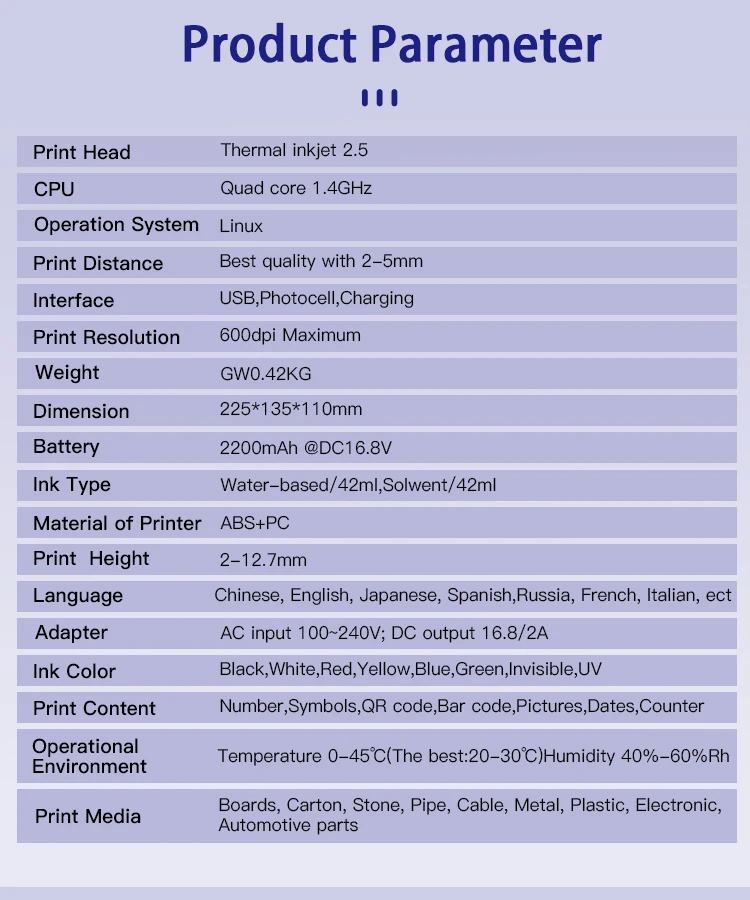
Product Name: Handheld Inkjet printer
Print Head: Thermal Injet 2.5
CPU: Quad Core 1.4GHz
Operation System: Linux
Print Distance: 2-5mm
Print Resolution: 600dpi Maximum
Weight: GW 0.42kg
Dimension: 225*110*135mm
Battery: 2200mAh, 8.4V
Material of Printer: ABS+PC
Print Height: 2-12.7mm
System Language: 28 Languages
Print Content: Time, Date, Counter, QR code, Barcode, Logo, etc.
Printing Material: Wood, Carton, Pipe, Cable, Metal, Plastic, Uneven surface, etc.
Product Advantage:
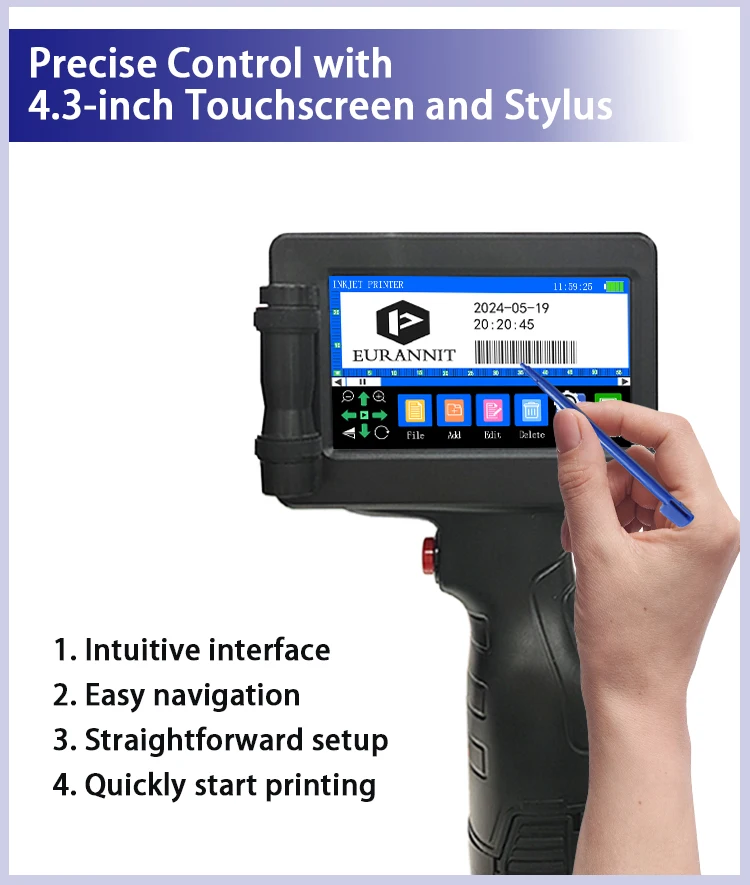
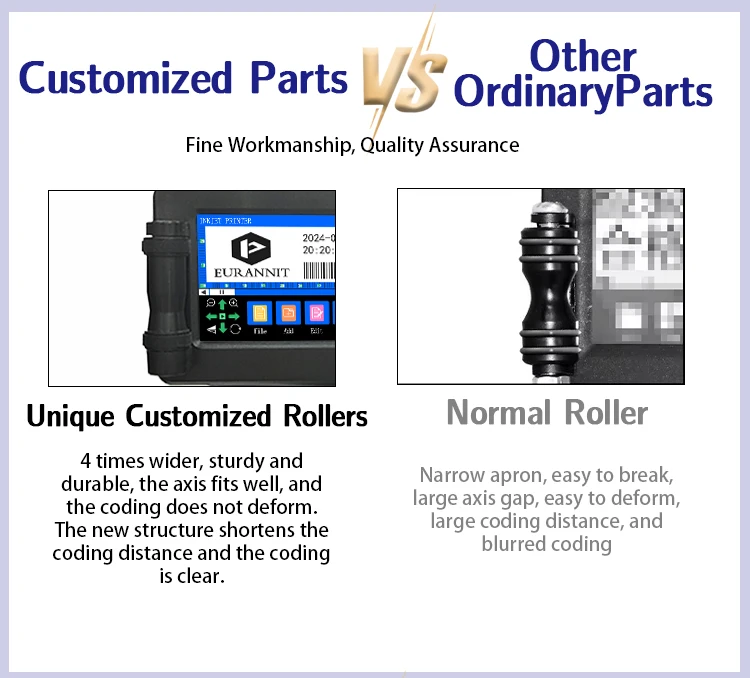
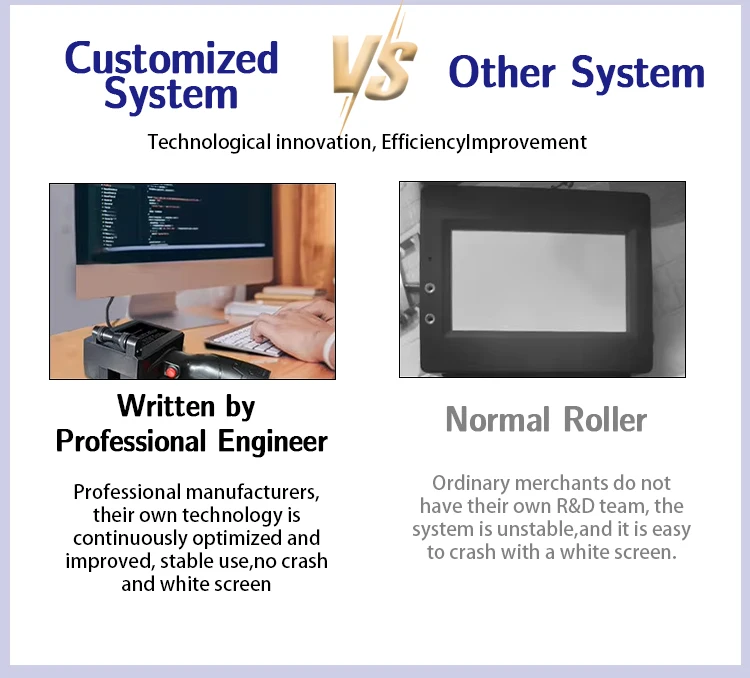
1. Motherboard upgrade, 4.3-inch screen
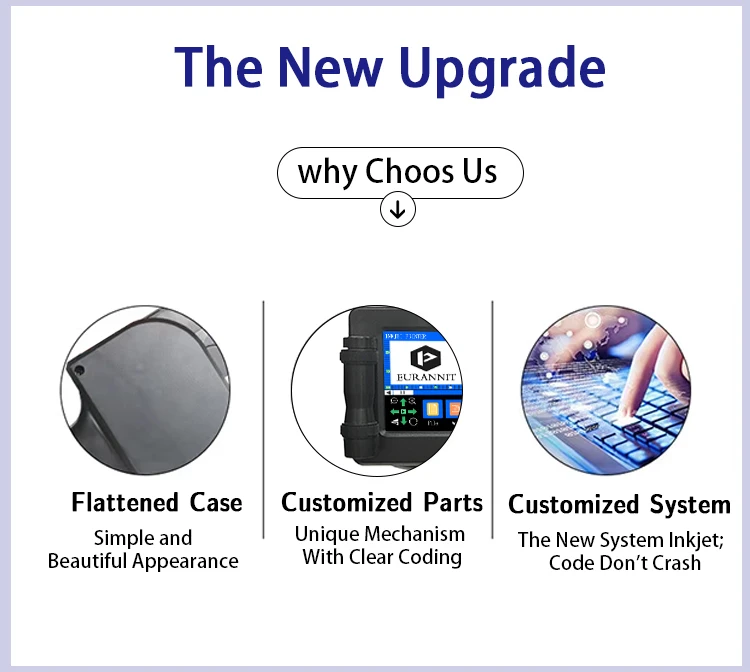
New generation motherboard, high system configuration; adopts 4.3-inch sensitive resistor screen, use stylus operation, smooth, convenient and fast.
2.600DPl high-definition nozzle.
The machine printing height is optional at 12.7 MM, the machine is small, beautiful and portable, and printing is convenient.
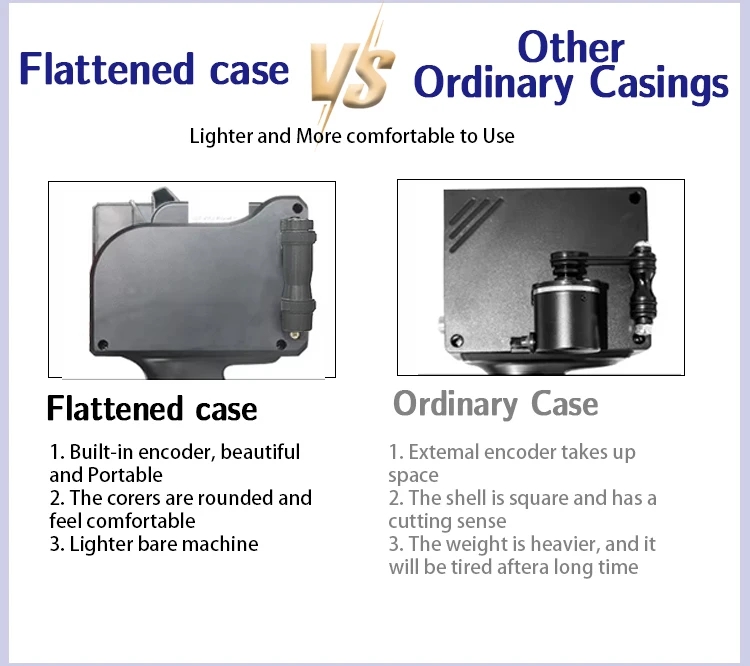
3. Built-in synchronizer
Effectively avoids parts wear, high sensitivity of instant sensing, making printing more precise;
4. Multiple interfaces
USB interface realizes data import; photocell realizes handheld/online dual use, meeting the needs of various production scenarios
5. One-button inkjet printing
After editing the inkjet content, press the red button to print
6. Detachable batteries
Removable and replaceable, high safety performance, strong endurance;
7. Anti-slip handle
The ergonomic groove makes handheld inkjet printing more comfortable, and you will not feel tired even if you hold it for a long time.
NOTE:
The price of orders shipped from China does not include import taxes. DDU!!!
HS CODE 8443321300 to check duty.
We only charge product price and freight cost, so you need pay import taxes to custom when your parcel arrives.
Q&A(Questions You Concern Most)
1.How to better extend the life of the printer?
A:Before installing and removing ink cartridges, be sure to turn off the printer.
2.How to better protect the ink cartridge nozzle?
A:
①When not using ink cartridges, please close the protective cover in time.
②Dip a soft paper towel with a small amount of alcohol before using, and then gently wipe the nozzle in one direction.
3.Why does the printer screen not work?
A: When you find that the screen of the printer is not working, please calibrate the screen of the printer.
4.Can the printer be equipped with photoelectric sensors?
A: Yes, our inkjet printer has adapted photoelectric sensors. Please consult customer service before purchasing.
5.Can the printer print on the bottle?
A: Yes, we will provide you with a positioning plate for free. Please consult customer service for specific steps.
6. What should I do if the printer cannot print?
A:
①Check whether the rubber ring on the left side of the printer is off (not in the groove).
②Check if there the ink cartridge is installed properly.
③Switch the nozzle of the printer in the settings.
④After turning off the printer, reinstall the ink cartridge.
⑤If you have completed all the above operations and the machine still cannot operate normally, please contact customer service in time.
7.The printer can work, but the printing effect is not clear, what should I do?
A:
①Check whether the ink cartridge nozzle is clean and dry, and wipe the nozzle carefully with a clean soft tissue.
②Take out the ink cartridge when the printer is off, shake the cartridge several times, and stick a clean tissue on the
surface of the nozzle to divert the ink.(Ask customer service for operation videos)
③Switch the nozzle of the printer in the settings.
④If you have completed all the above operations and the machine still cannot operate normally, please contact customer service in time.
8.What should I do when there is a printer phenomenon of wire drawing?
A:
①The ink cartridge is quick-drying. When there is a phenomenon of wire drawing, please wipe the nozzle carefully with a clean soft tissue and switch the nozzle of the printer.
②When not using the ink cartridge, please install the cover in time
9.Can the printer be charged?
A: Yes.
①Please use our special charger to charge the printer.
②When the printer is stored for a long time and not in use, it is recommended to safely charge and discharge it every three months.