

NairoMarket
External USB Floppy Disc Drive, 3.5 inch 1.44 MB FDD, Floppy Disk Reader Floppy Disk Reader for PC Laptop Windows 11/10/8/7/XP
External USB Floppy Disc Drive, 3.5 inch 1.44 MB FDD, Floppy Disk Reader Floppy Disk Reader for PC Laptop Windows 11/10/8/7/XP
Couldn't load pickup availability
SPECIFICATIONS
Application: 1.44MB Floppy Drives
Brand Name: NONE
Certification: CE,FCC,RoHS
Choice: yes
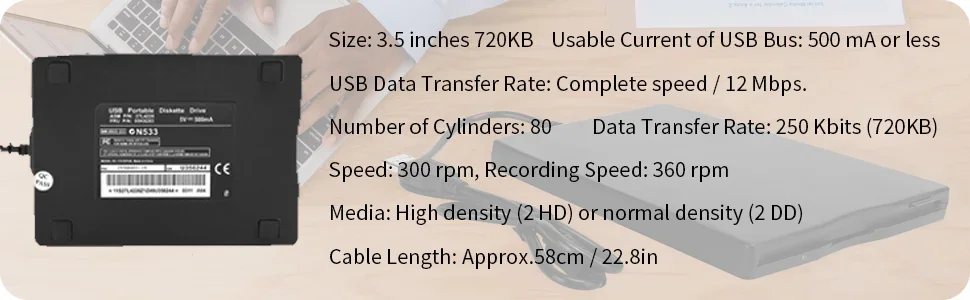
Data Transfer Rate: 500 Kbits (1.44MB).
Date capacity: 1.44MB (Formatted).
High-concerned chemical: None
Interface Type: USB
Number of Cylinders: 80
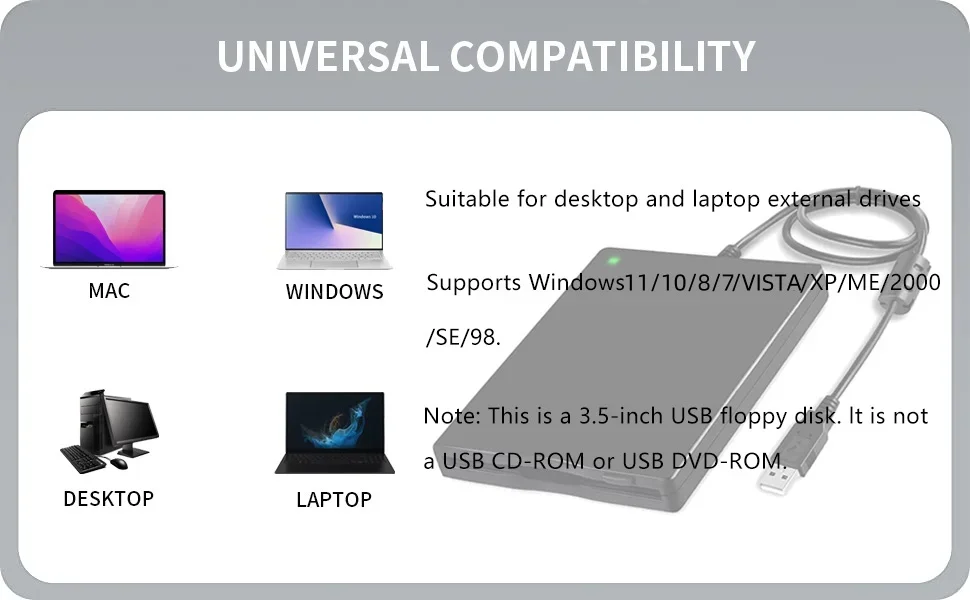
Operating systems supported: For Windows 98/SE/2000/ME/XP/VISTA/Windows 7/8/10/11
Origin: Mainland China
Package: Yes
Rotation speed: 300 rpm, 360 rpm recording method: MFM.
Type: External
USB Data Transfer Rate: 12 Mbps.
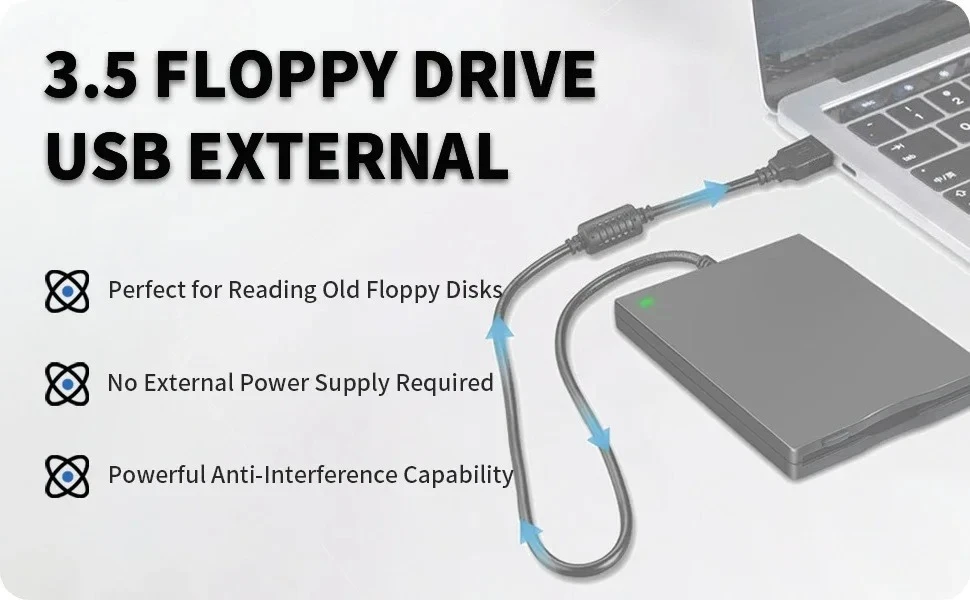
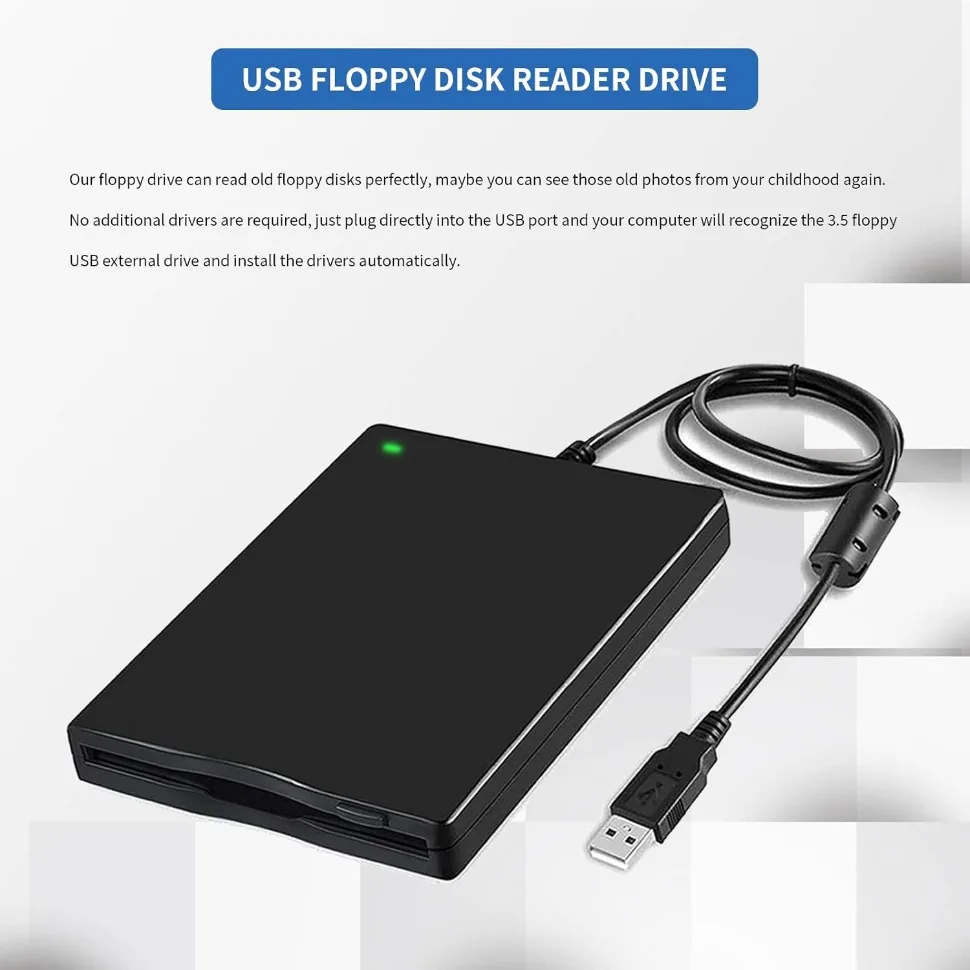
USB Floppy Disk Drive: Easily read and transfer data from your 3.5" floppy disks with this convenient USB floppy disk reader. Bring your nostalgic files back to life!
Plug and Play: No extra drivers or installations necessary! Simply plug the floppy disk drive into your USB port and start accessing your files immediately. Hassle-free and user-friendly!
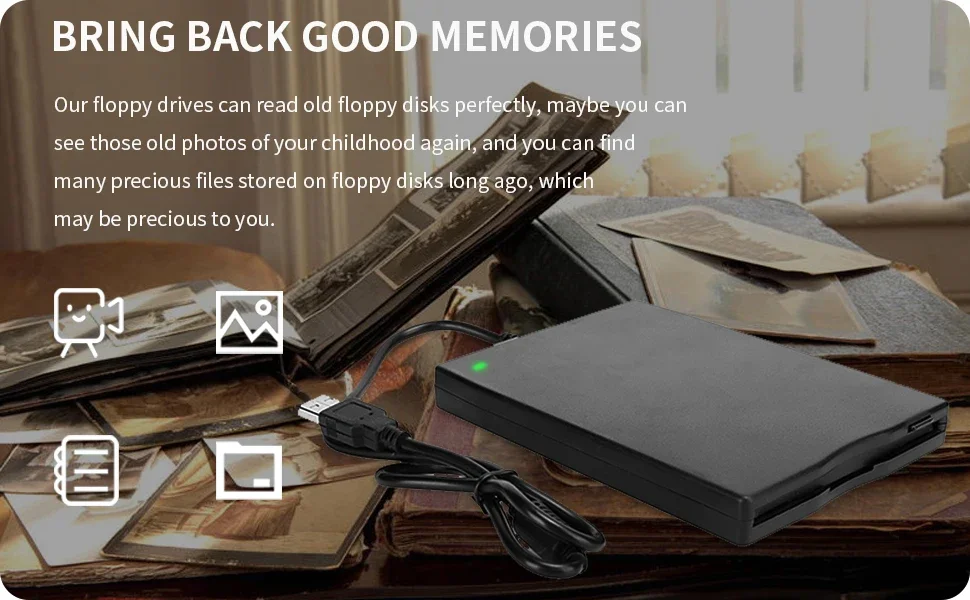
ULTRA SLIM PORTABLE USB FLOPPIE DRIVE: Allows you to easily carry and use this compact USB floppy disk reader to retrieve wedding photos, childhood photos, favorite poems, college thesis, novel manuscripts, and favorite songs on floppy disks anytime, anywhere. For those who have saved a lot of good memories on floppy disks, this is a good choice for you!
COMPATIBLE: This USB floppy disk reader is compatible with Windows 11/ 10/ 8.1/ 7/ Vista/ XP/2000/Mac/Linux operating systems. Please note that it does not support tablets, TVs, cell phones and cars, only computers with PC laptopApple All-in-One operating system.
Note: Please get power by the USB cable without using USB hub or USB extension cable, Insufficient power supply may cause malfunction
Reminder: Not all of your disks can be read, which is due to their age, not the drive. Floppy disks were produced in the 1980s and 1990s and have a history of 30 to 40 years. Due to long storage times, some floppy disks may be corrupted, mouldy or dusty, so some of your floppy disks may not be successfully opened by our floppy disk drive, or the drive may initially be able to open some floppy disks but stop working due to dust on the disks. Therefore, please carefully check the status of the floppy disk before reading to avoid the drive stopping working due to floppy disk issues.
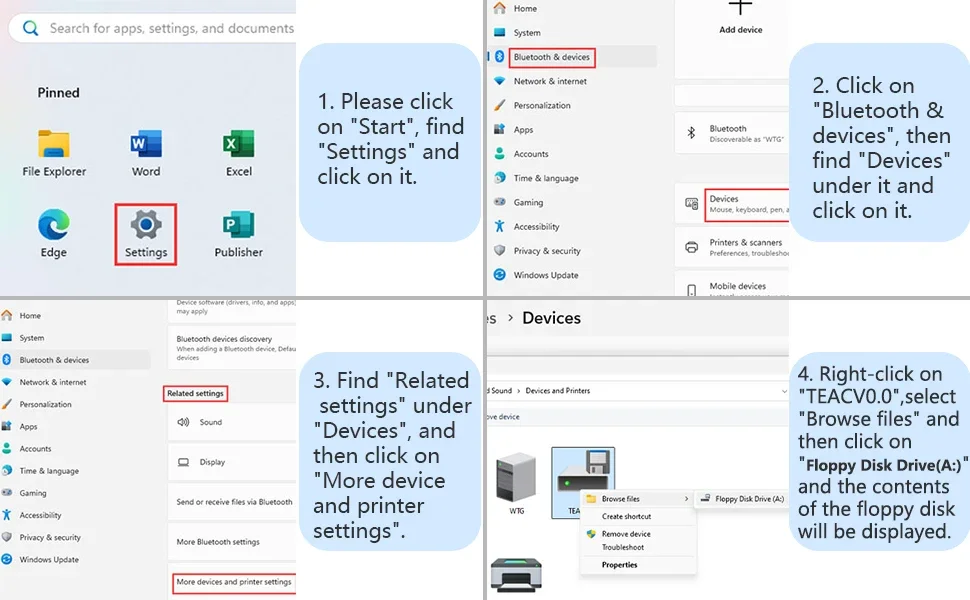
How to Find the Floppy Disk Drive (A:) in Windows 11
As windows 10/11 has a lot of hidden options for "Windows Files Explorer", sometimes the drive icon will not appera in "Windows Files Explorer", you have to bring up "Devices and Printers" to get it.
Please find "Floppy Disk Drive(A:)" through the following path: Start → Settings → Bluetooth & devices → Devices → Related settings → More device and printer settings → TEACV0.0. Then right - click on TEACV0.0, click "Browse files" and open "Floppy Disk Drive (A:)".