

NairoMarket
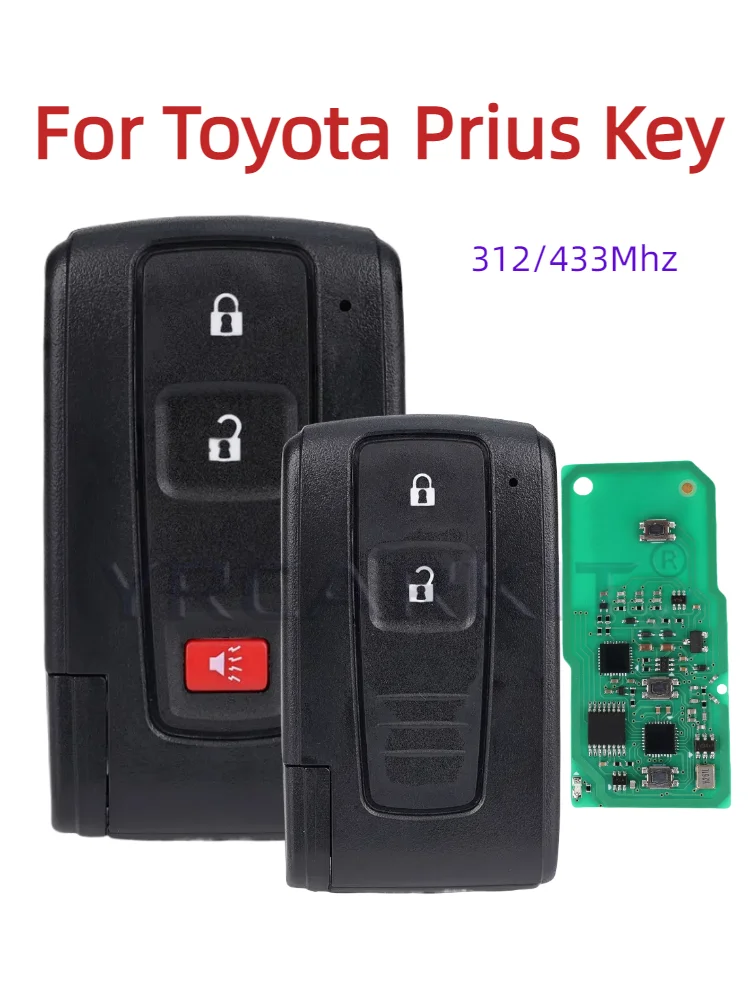
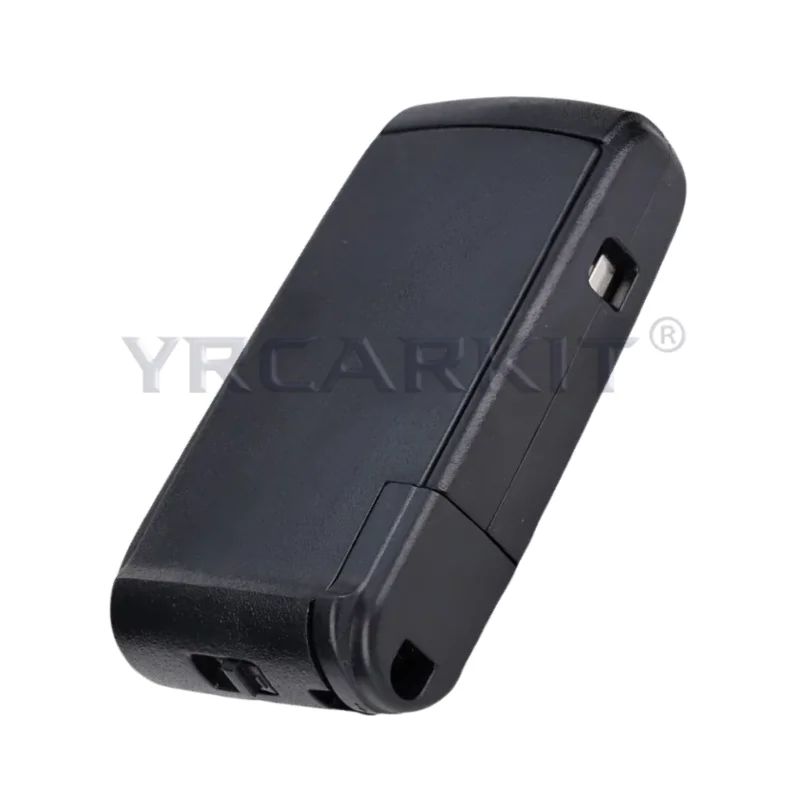
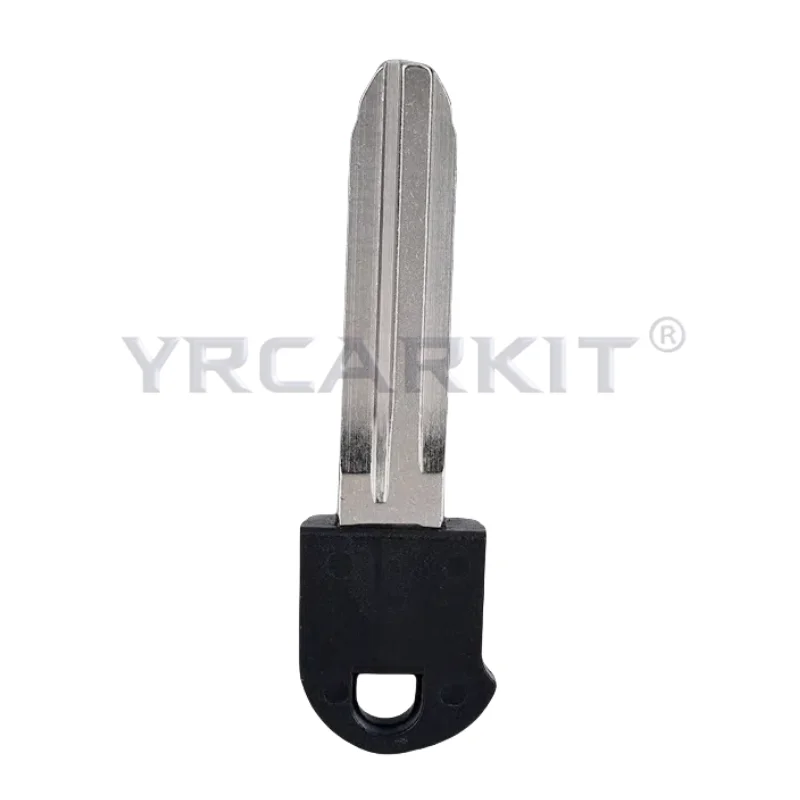
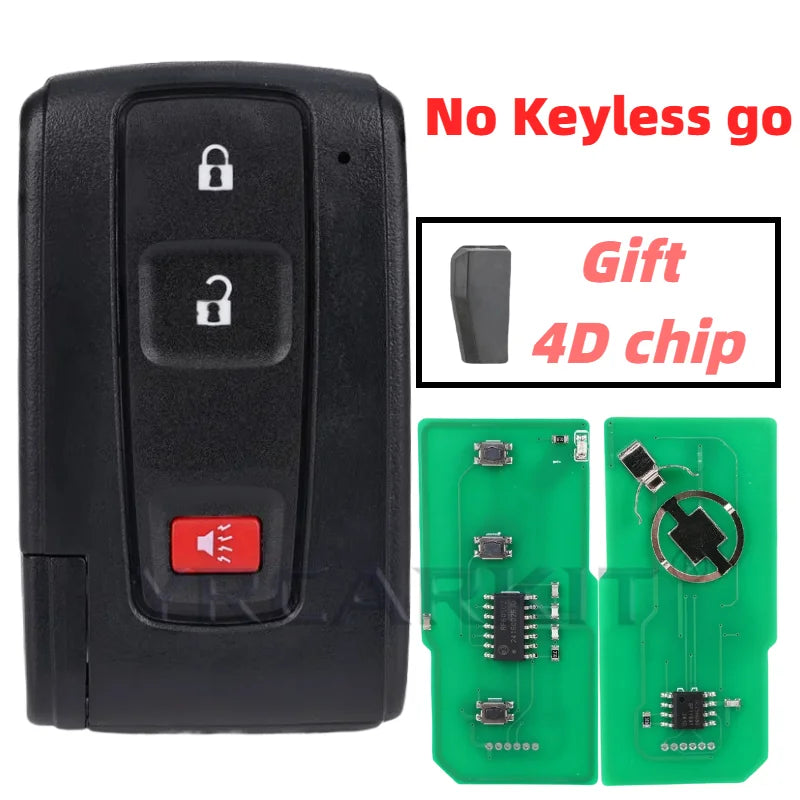
For Toyota Prius 2004 -2009 Auto Car Smart Remote Keyless Go Key Fob 2 3 Buttons 312/433MHz 4D Chip Keys FCC MOZB21TG MOZB31EG
For Toyota Prius 2004 -2009 Auto Car Smart Remote Keyless Go Key Fob 2 3 Buttons 312/433MHz 4D Chip Keys FCC MOZB21TG MOZB31EG
Couldn't load pickup availability
SPECIFICATIONS
Brand Name: NoEnName_Null
Choice: yes
Customization: Yes
High-concerned chemical: None
Manufacturer Part Number: MOZB31TG
OEM NO.: MOZB21TG
Origin: Mainland China
R/C Function: WITH
semi_Choice: yes
For Toyota Prius 2004 2005 2006 2007 2008 2009
FCC ID: MOZB21TG / MOZB31EG
Chip:4D
Frequency:312/433Mhz
Note:
1. Please make sure your original key has the same appearance, button, frequency, Part Number and FCC ID with the product. The most important is to ensure compatibility.
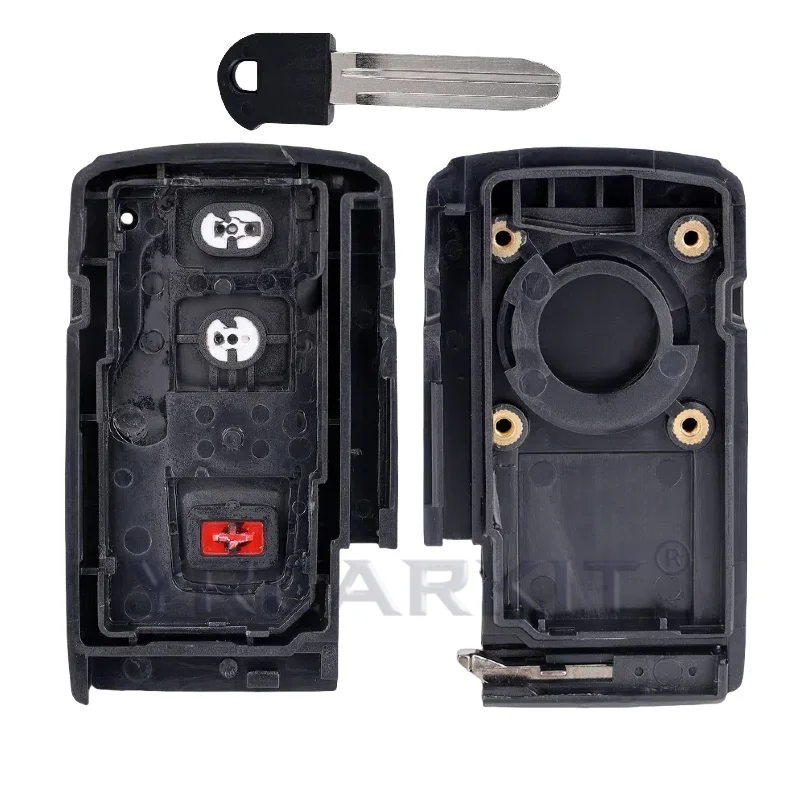
2. You need to go to your local dealer or qualified locksmith store to program the key and cut the blade after you receive it. People there will know what to do.
Any question please feel free to let us know, thanks for your patronage!
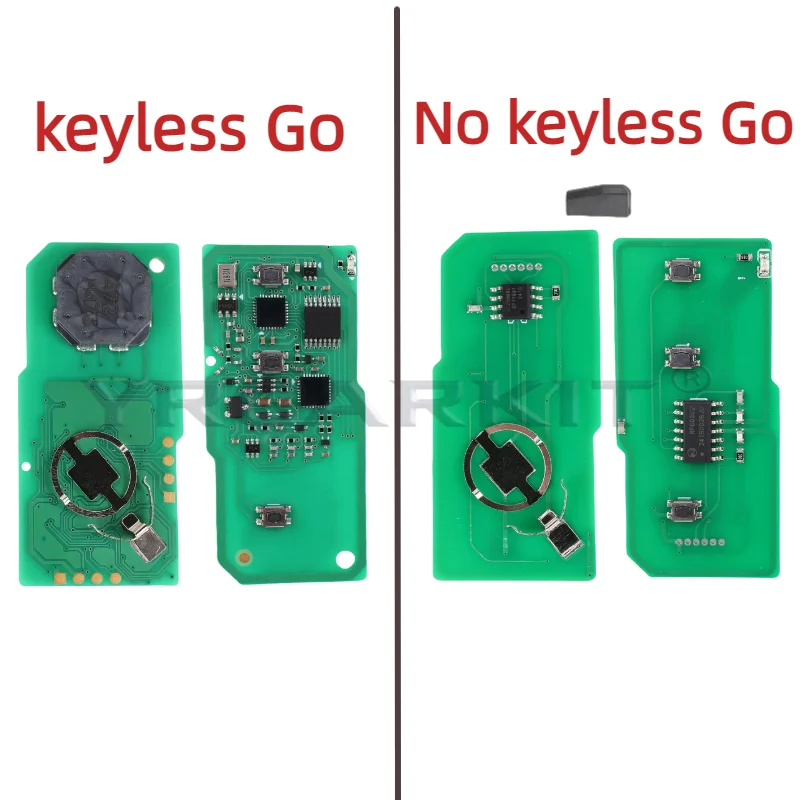
If your key is keyless start, you need to use specialized equipment for programming or find a local locksmith to program it for you.
The following is the method and video of No Keyless Go remote control programming
If your remote has a Black Toyota Logo on back of the remote use these instructions to program the remote
1.Driver’s door open, remote transmitter removed from ignition switch slot
2.Within 5 seconds: Insert and remove the remote transmitter from the ignition switch slot twice
3.Within 40 seconds: Close and open driver’s door twice
4.Insert and remove the remote transmitter from the ignition switch slot. Close and open driver’s door twice
5.Insert the remote transmitter into the ignition switch slot and close the driver’s door
6.Within 40 seconds
Note: DO NOT depress brake pedal whilst carrying out the following operation. Press POWER button to switch ignition ON (amber LED illuminated) and OFF once to program a remote transmitter code whilst retaining the original codes or twice to program a re mote transmitter code whilst erasing the original codes. Three times to check how many remote transmitters are currently registered or five times to erase all registered codes
remove remote transmitter from ignition switch slot:
Within 5 seconds: System should now lock and unlock vehicle once, twice or five times depending which mode has been selected. One to four times, slow, to indicate number of remote transmitters registered
Within 40 seconds: Press and hold LOCK and UNLOCK buttons simultaneously for 1.5 seconds
Within 3 seconds: Press LOCK button
System should now lock and unlock vehicle once to confirm registration, twice to indicate registration has failed
Within 40 seconds: Repeat button procedure to program remaining remote transmitter
NOTE: To exit programming mode: Open driver’s door. NOTE A maximum of 4 remote transmitters can be programmed. NOTE: Remote transmitters can also be programmed using diagnostic equipment