

Shipped from abroad _ Delivery in 7 days
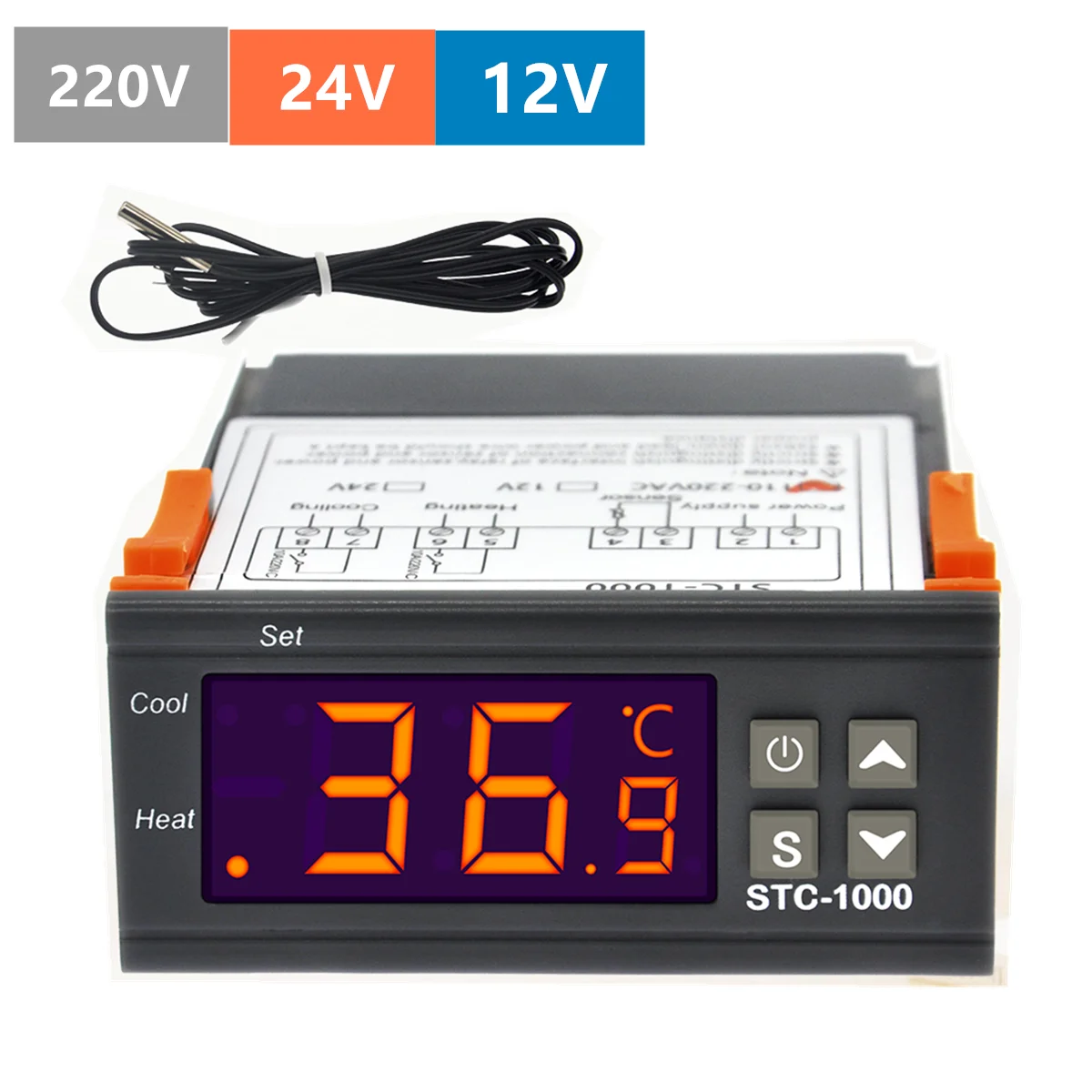
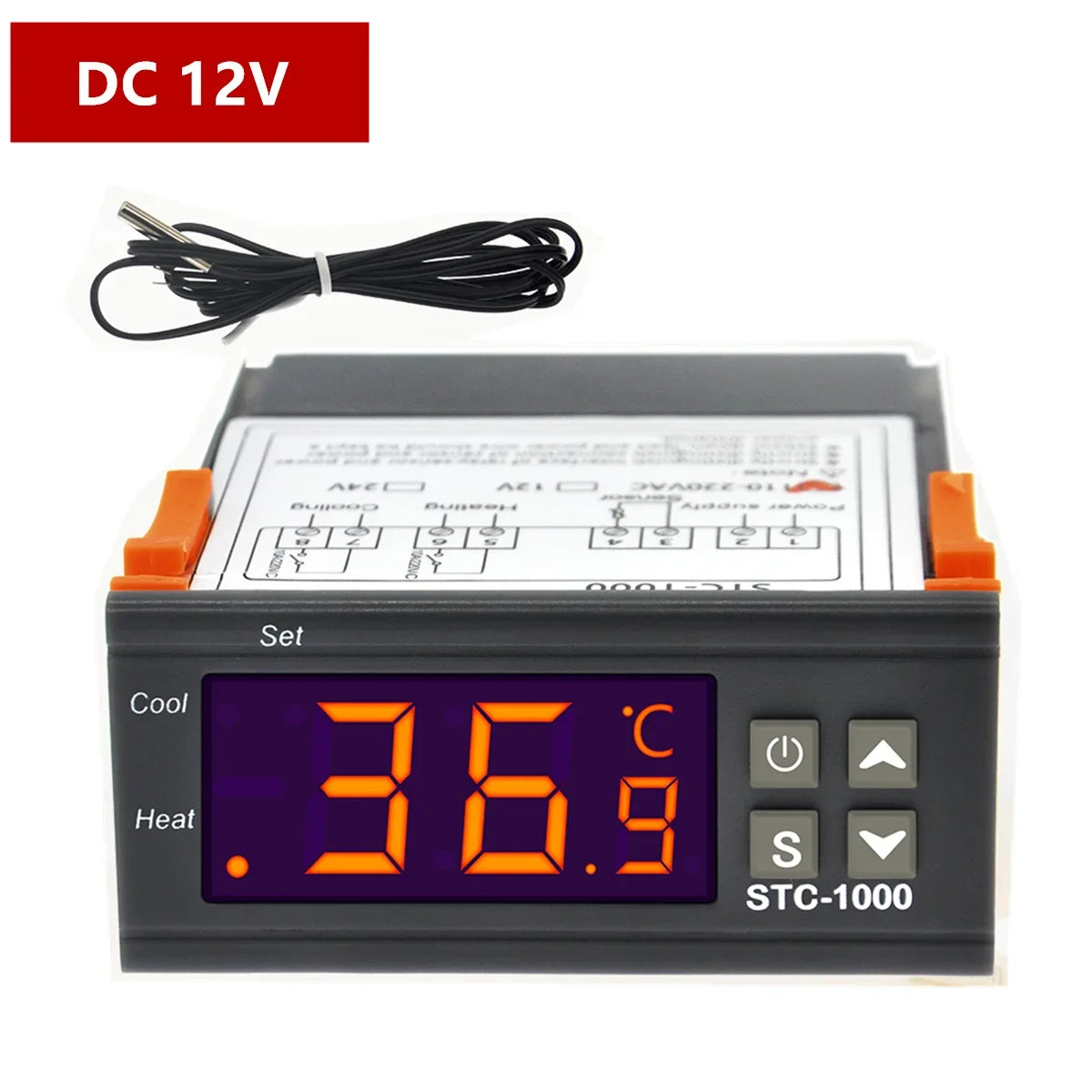
STC-1000 220V 12V 24V Digital Temperature Controller Thermostat Thermoregulator Incubator Relay LED 10A Heating Cooling Tools
STC-1000 220V 12V 24V Digital Temperature Controller Thermostat Thermoregulator Incubator Relay LED 10A Heating Cooling Tools
Couldn't load pickup availability
SPECIFICATIONS
Brand Name: other
Choice: yes
Display Type: DIGITAL
Model Number: STC-1000
Origin: Mainland China
Style: Embedded
Theory: Temperature Controller
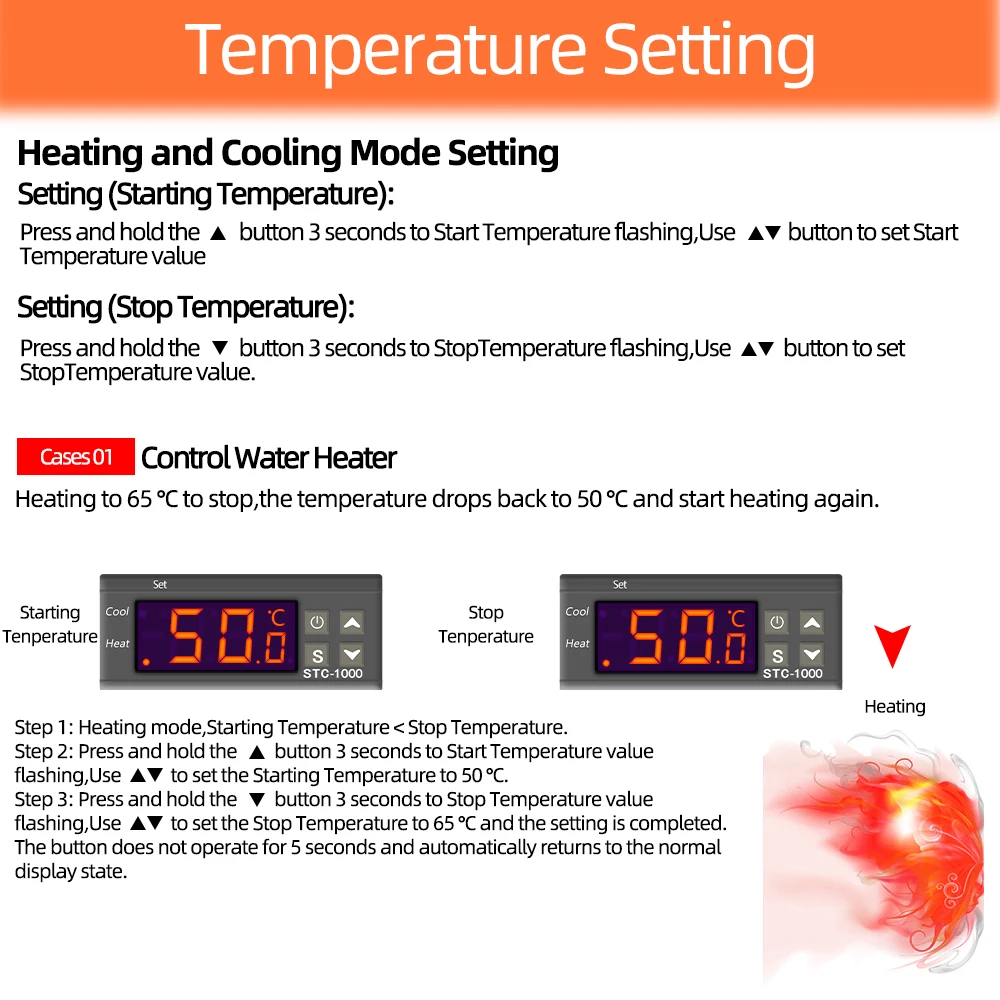
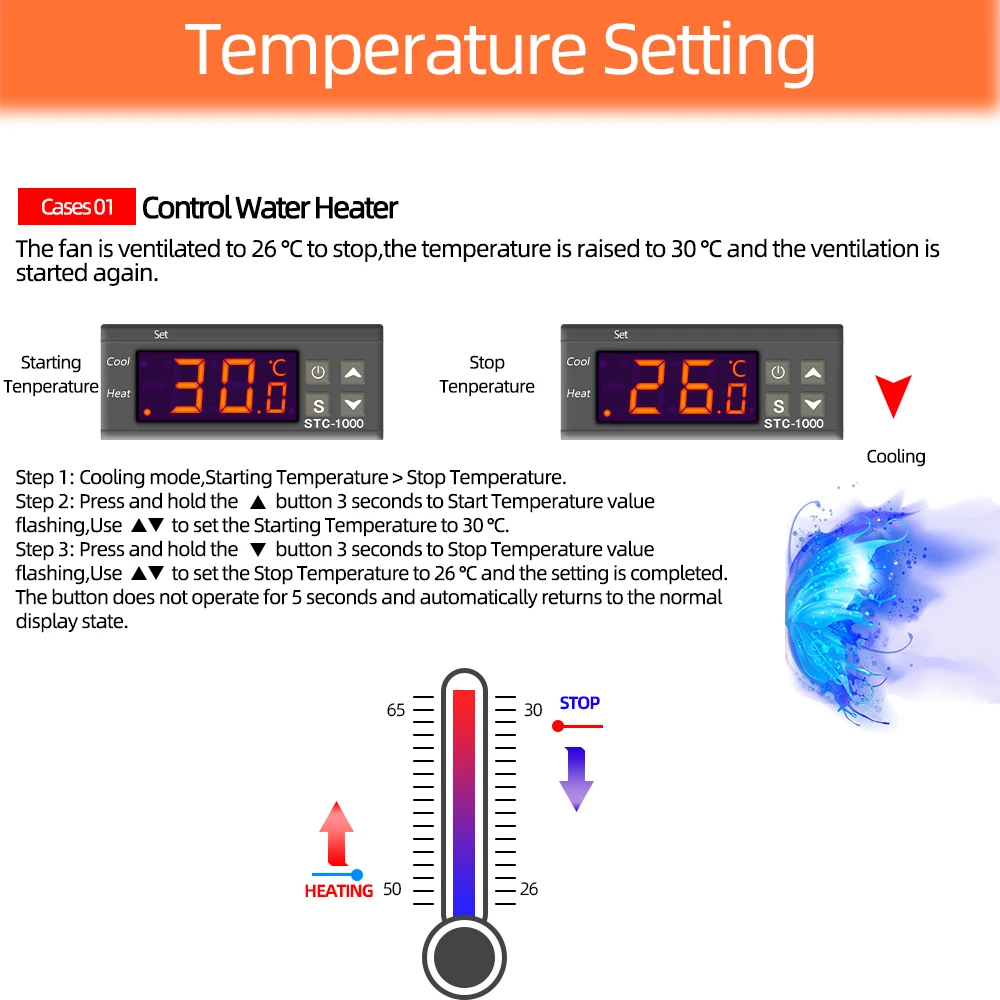
Switch the modes between cool and heat;Control temperature
setting the temperature setting value and the difference value;
Temperature calibration; Refrigerating control output delay protection; Alarm when temperature exceeds, temperature limit or when sensor error.
Specification:
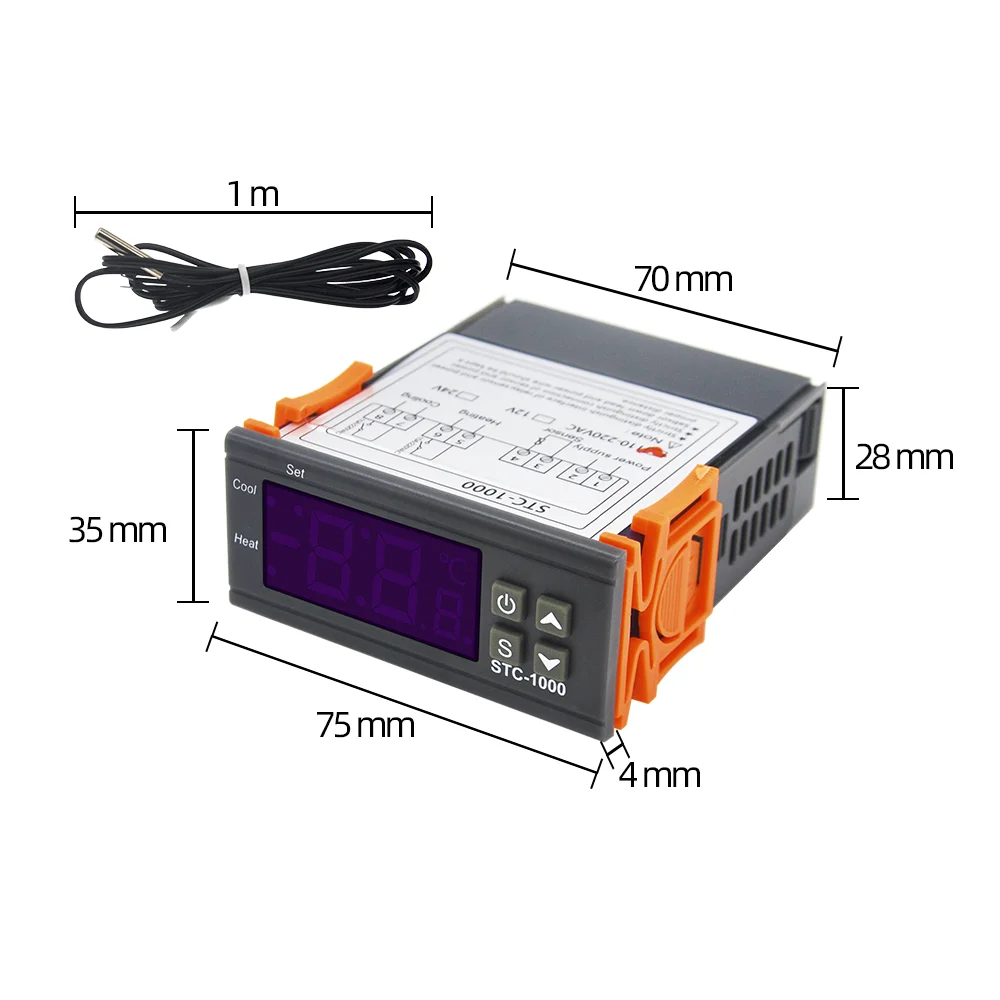
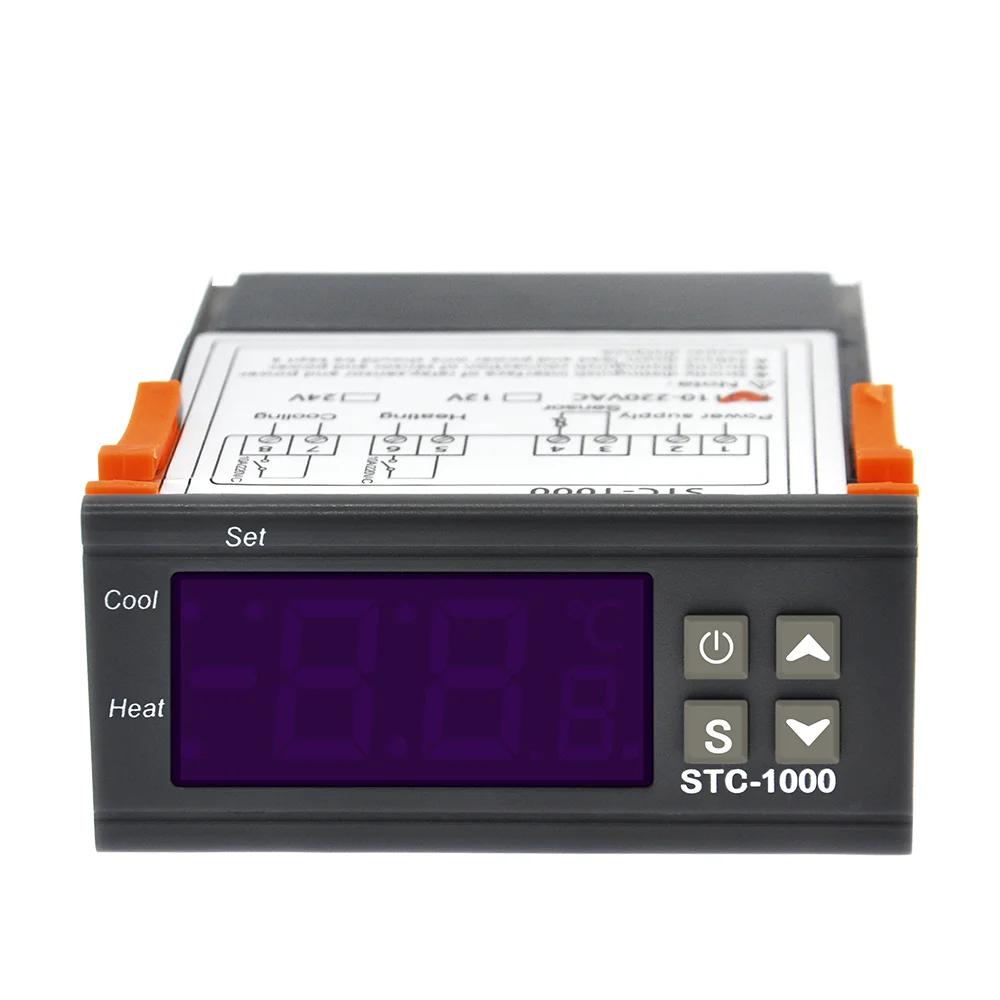
Front panel size:75(L)×34.5(W)(mm)
Mounting size:71(L)×29(W)(mm)
Product size:75(L)×34.5(W)×85(D)(mm)
Sensor length:1m(include the probe)
Feature:
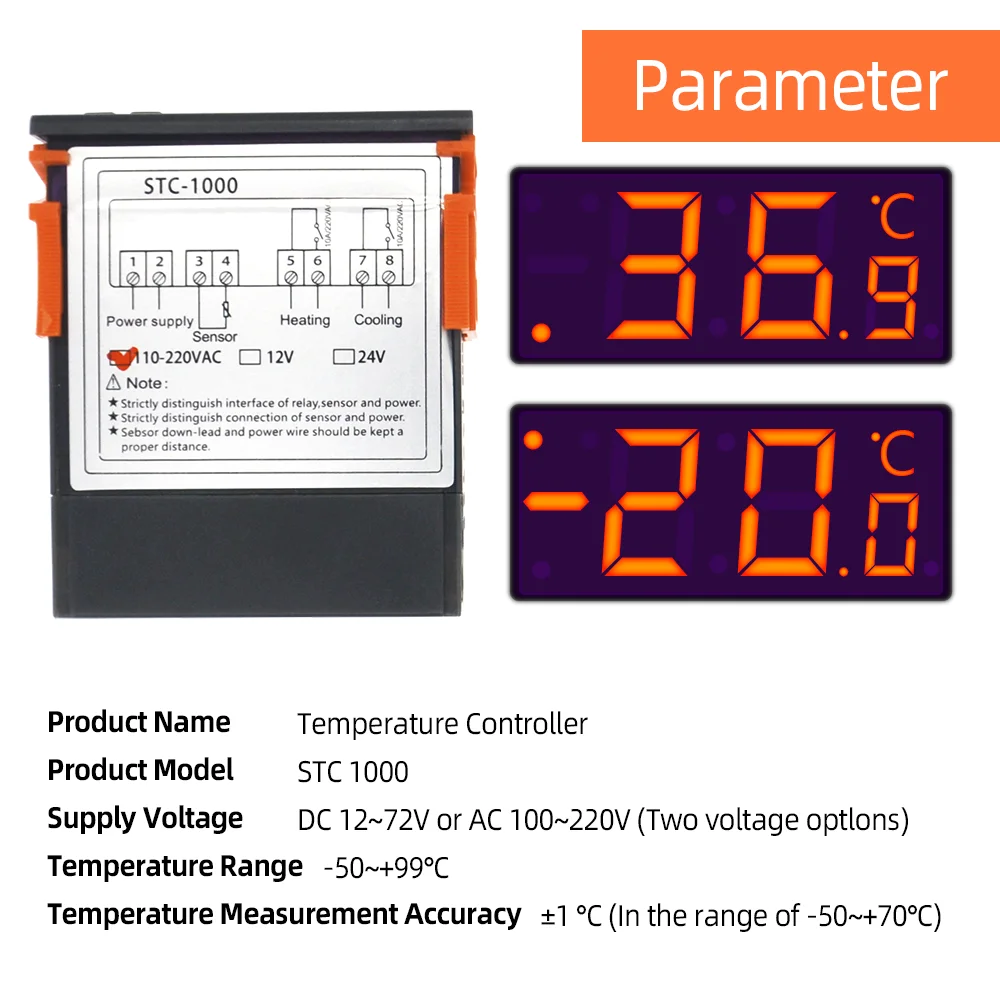
Temperature measuring range:-50℃~99℃
Resolution:0.1℃
Accuracy:± 0.1℃(-50℃~70℃)
sensor error delay:1 minute
Power supply:220VAC±10%,50/60Hz
Power consumption:<3W
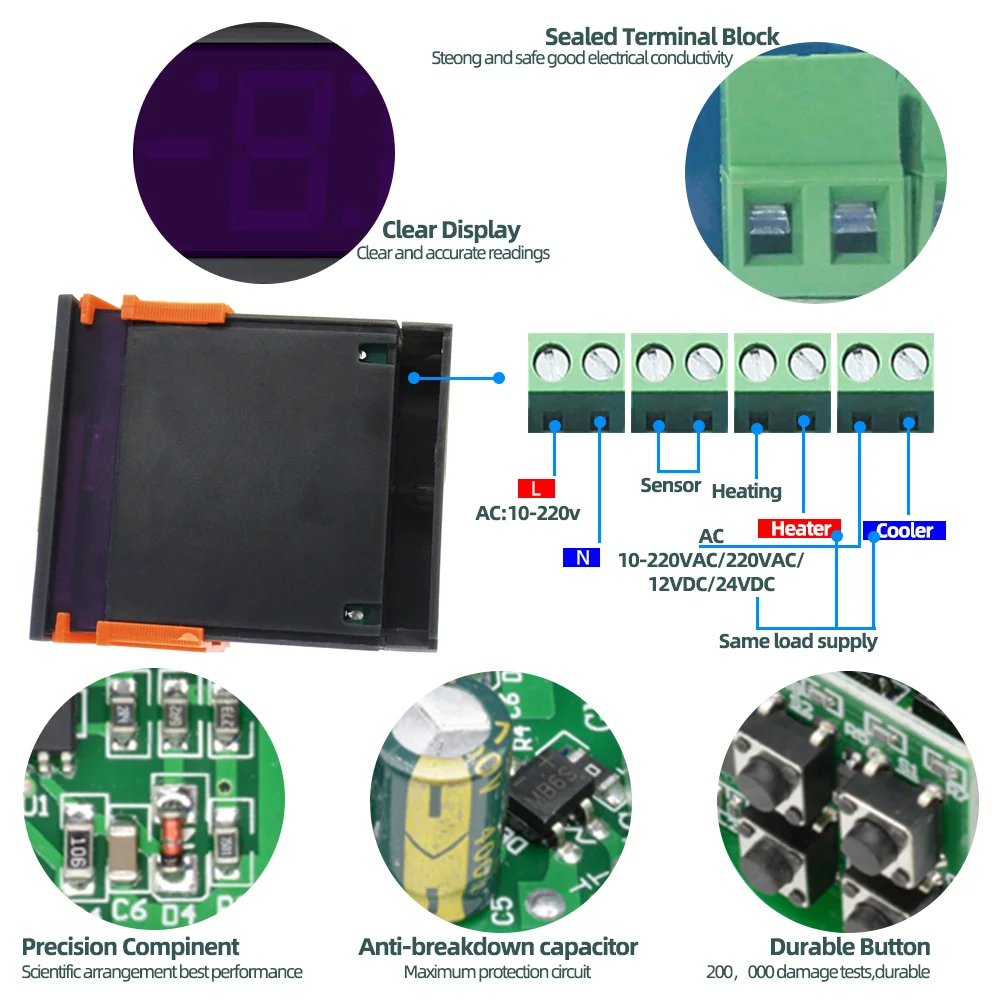
Sensor:NTC sensor(1PC)
Relay contact capacity:Cool(10A/250VAC);Heat(10A/250VAC)
Ambient temperature:O℃~60℃
Storage temperature:-30℃-75℃
Relative humidity:20~85%(No condensate)
Key operation instruction:
The way to check parameter:
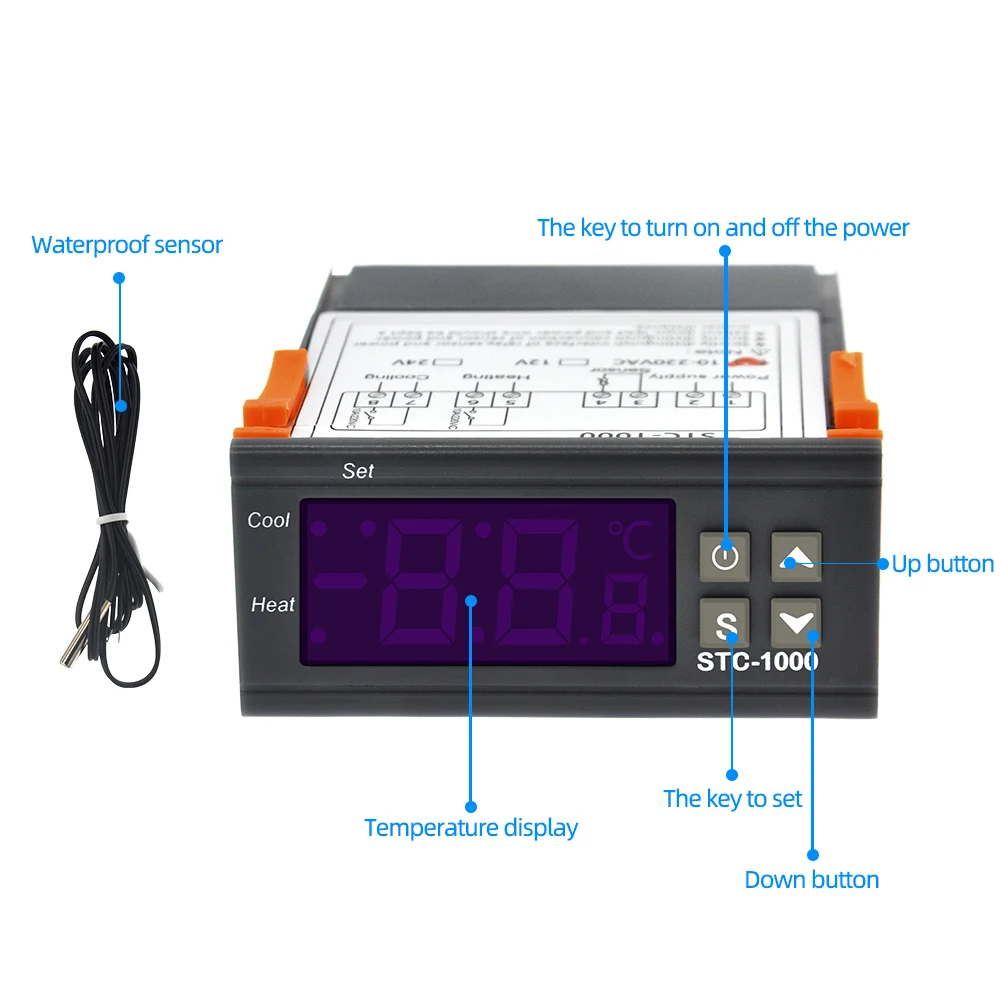
Under normal working status,press and release ""key once
instantly,it displays temperature setting value;press and
release ""key once instantly,it displays the difference value.It
back to display the normal temperature display status in 2s.
The way to set parameter:
Under controler normal working status,press "" key for 3s or more
to enter parameter modifying mode,and the “Set”
indicator light on,sereen displays the first menu code F1.Press
"”key to avoid the interference,the sensor down-lead and
power wire should be kept a distance or "" key to page up and page
down menu item to find accordingly code,press"”key to display
the parameter set value of the current menu.Press and hold ""key
Press "" key or "" key again to adjust up and down the parameter
setting value of the current menu item.
Press and hold both ""key and ""key or “"
key simultaneously to choose and adjust the parameter value of
current menu value promptly.After finishing the setting
press and release the"" key instantly to save the parameter modified
value and return to display the normal temperature
value.If no key operation vwithin 30 seconds,system won't save modified
parameter,screen back to display normal temperature.
Screen display“Er"if error appears during parameter saving and
Back to nomal working status in 3 seconds.
Restore system data:
When electrified,system will check itself,screen will display "Er" if error exist,please press any key at this time,and it restore default value and enter in to normal working mode.It is advised
reset the parameter value under this condition.