


Shipped from abroad _ Delivery in 7 days
Wireless Carplay Android Auto Mirror Link Module Box For VW Volkswagen Skoda Octavia A5 Golf 7 Polo Passat B8 With MIB1 MIB2
Wireless Carplay Android Auto Mirror Link Module Box For VW Volkswagen Skoda Octavia A5 Golf 7 Polo Passat B8 With MIB1 MIB2
Couldn't load pickup availability
SPECIFICATIONS
Brand Name: other
Choice: yes
Hign-concerned Chemical: None
Origin: Mainland China

Note: when you use the Carplay SIRI function you need close your car
Please find a professional master to install, or make the product damage by personal reason we do not accept the return !!!
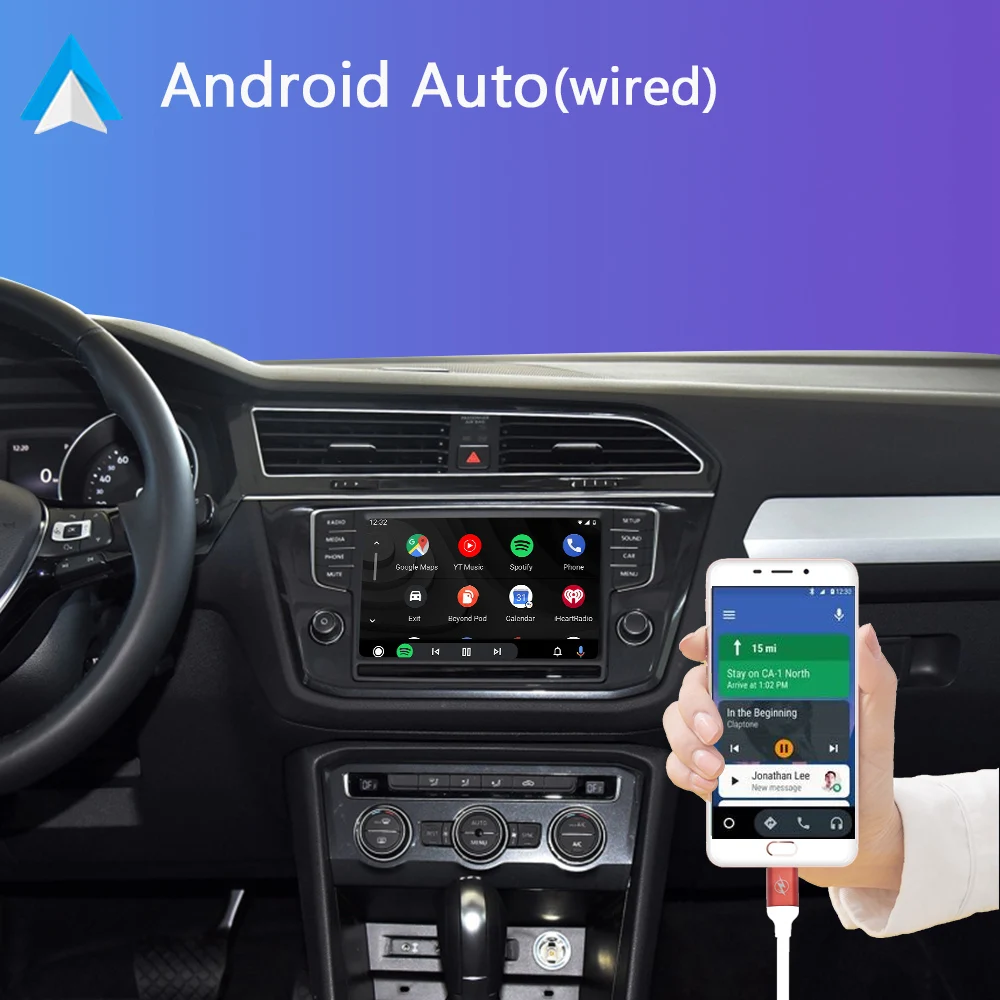
The VW decoder box is a retrofit CarPlay and Android Auto Kit that adds Carplay and Android Auto functionality to a standard vehicle. The kit gives an "OEM" feel and appearance as it retians the existing vw display on your dash as well as the VW controls (rotary contoller and steering wheel contols)
Unit Functions:
CarPlay Video Interface special for VW Golf 7 Tiguan Lamando Magotan Phideon Teramont with MIB1/MIB2 Platform
Built in 2.4G and 5.8G WIFI for suitable connection and Bluetooth 5.0 Technology
Support CarPlay, Android Auto, Mirror Link CarLife, USB Flash drive
Control via steering wheel controls and touch control (*dependent on vehicle specification) and voice control by say: "Hey Siri ..."
GPS navigation Apps, Google Maps Waze and Apple Maps are all available live traffic information
Built in DSP, Fully adjustable Audio EQ, Best audio quality.
With 2 RCA inputs, allow to add rear and front PAL,NTSC and CVBS AHD camera.
Support HD 360 panoramic cameras connect and Dynamic Guidance Lines, Parking Distance Control. OEM parking style.
Plug and play, non-destructive installation, free from wire breaks.
Switch in/out of CarPlay display at anytime using factory controls
To determine if your vehicle can install this VW CarPlay interface, if you not sure please contact our customer support by taking photos of your car's center console.
Please confirm if your car has the same split machine as the picture


Tips: If the original car has this interface. Please purchase multiple AMI cables




 CarPlay (wireless), Android Auto & Mirrorlink, 3 in 1 interface for VW with multimedia player in glove compartment

T hank you for your choosing our carplay series products

STEPS:

Picture 1
Press at the marked point to remove the armrest box.

Picture 2
Use the disassembly tool to remove the factory car radio.

Picture 3
Remove the wire cables in the factory car head unit

Picture 4
Connect the Power Harness and LVDS cables, the other side connect to the decoder box

Picture 5
After connecting all, check the dip switch code for your car


Power on the car, Disconnecting the Bluetooth and choosing AUX in factory car radio.
Next enjoy the CarPlay